Claryoo
A team offsite agenda that turns a day away into a real plan
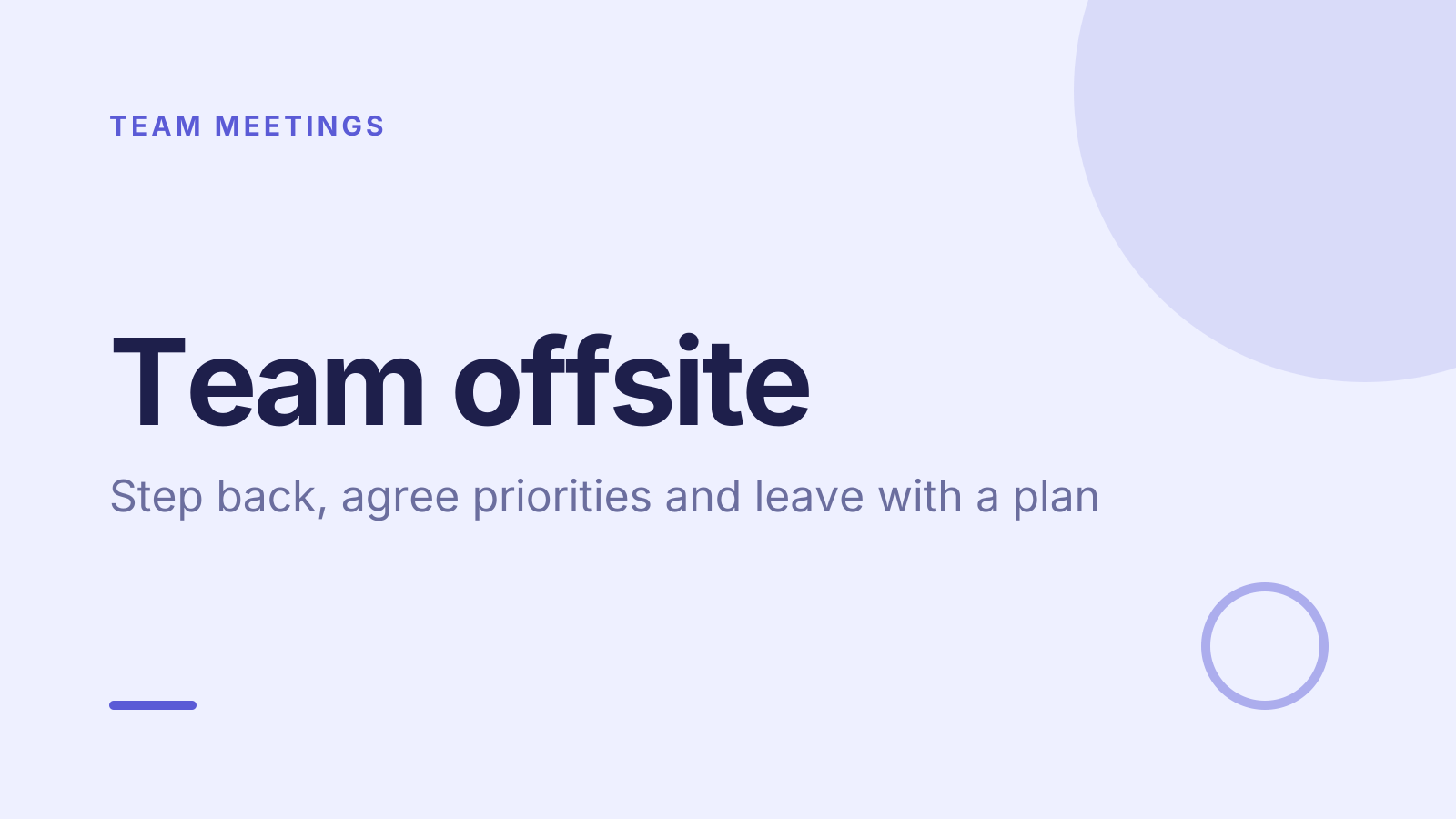
A free team offsite PowerPoint template: 13 slides with speaker notes, 3 polls. Edit it in PowerPoint or Google Slides, or run it live on Zoom, Meet, Teams or in the room.
Free, no sign-up. 13 slides, about 191 minutes, speaker notes on every slide. Opens in PowerPoint, Google Slides and Keynote.
What’s inside
- 1 · Welcome
 2 · Today
- 3 · PollPollPick up to 2
What do you most want from today?
- AClear priorities
- BBetter ways of working
- CTime to reconnect
- DA chance to be heard
 4 · Section
- 5 · Look back to learn
Look back to learn
- 1Draw the timeline togetherPut the last six or twelve months on a wall. Everyone adds highs and lows, then the group names the patterns.
- 2Start with what workedAsk what the team should protect before asking what went wrong. People plan better when they start from strengths.
- 3Discuss events, not peopleKeep it to what happened and what it caused. “The handover was late” leads somewhere. “Sam was late” rarely does.
- 6 · Choose a few priorities
Choose a few priorities
- 1Go wide, then narrowList every candidate priority first. Group similar ones, then dot vote with three votes each to find the front runners.
- 2Test each against the goalFor each finalist ask: does this move our main goal, and what will we stop doing to make room for it?
- 3Say no out loudWrite down what the team is deliberately not doing this period. It protects the priorities when new requests arrive.
- 7 · Agree how we work together
Agree how we work together
- 1Write team agreementsAgree a few norms in plain words, such as “Decisions go in the team channel” or “No meetings on Friday mornings”.
- 2Settle who decides whatFor each priority, name the one person who makes the final call and who must be consulted before they do.
- 3Leave with owners and datesEvery commitment gets one owner, a first step and a date. Share the list within a day while energy is high.
 8 · Discussion
- 9 · PollPollAnonymous
What gets in our way most often?
- AToo many priorities
- BUnclear decisions
- CHand-offs between teams
- DMeetings and interruptions
 10 · Key takeaways
- 11 · PollPollAnonymous
How confident are you in today’s plan?
- AVery
- BFairly
- CNot yet
 12 · Next steps
 13 · Close
Show of hands, or everyone’s answer
The first poll works with hands up. Here’s the same question in a sample room of 20, answered live. Tap an answer to join in.
Show of hands
What do you most want from today?
About 5 hands go up, the same ones as always. You hear the loudest people, not the room.
Live in Claryoo · 0 of 20 answered
LiveWhat do you most want from today?
The team told you what today is for before you presented a single slide. Run it live, free
What the session covers
1.Look back to learn
Draw the timeline together
Put the last six or twelve months on a wall. Everyone adds highs and lows, then the group names the patterns.
Start with what worked
Ask what the team should protect before asking what went wrong. People plan better when they start from strengths.
Discuss events, not people
Keep it to what happened and what it caused. “The handover was late” leads somewhere. “Sam was late” rarely does.
2.Choose a few priorities
Go wide, then narrow
List every candidate priority first. Group similar ones, then dot vote with three votes each to find the front runners.
Test each against the goal
For each finalist ask: does this move our main goal, and what will we stop doing to make room for it?
Say no out loud
Write down what the team is deliberately not doing this period. It protects the priorities when new requests arrive.
3.Agree how we work together
Write team agreements
Agree a few norms in plain words, such as “Decisions go in the team channel” or “No meetings on Friday mornings”.
Settle who decides what
For each priority, name the one person who makes the final call and who must be consulted before they do.
Leave with owners and dates
Every commitment gets one owner, a first step and a date. Share the list within a day while energy is high.
How to run it, slide by slide
About 191 minutes in all. These notes come with the PowerPoint as speaker notes, so you see them while you present.
- 1Welcome5 min
“Thanks for giving today to this. By the end we want a short list of priorities and clear agreements, with owners.”
Share the times for breaks and lunch at the start so people can settle in.
- 2Today10 min
“We’ll look back on the year, choose our priorities, then agree how we work together.”
Ask for any ground rules people want, such as laptops closed except for notes.
- 3Poll10 min
“Pick up to two things you most want from today.”
Say the top answers out loud and tell people where in the day each one will be covered. If “to be heard” is high, protect quiet time in exercises.
- 4Section5 min
“Let’s start by looking back before we plan ahead.”
Have the wall timeline and sticky notes ready before this slide.
- 5Look back to learn12 min
“Before we plan anything, let’s be honest about the year we’ve had.”
Give people five minutes to add notes in silence, then walk the timeline together and name two or three patterns.
- 6Choose a few priorities12 min
“We can’t do everything well, so we’ll pick a few and say what we’re setting aside.”
Cap the final list at three to five. Read the “not doing” list aloud so it feels like a real decision.
- 7Agree how we work together12 min
“Good priorities fail on how we work together, so let’s agree that part too.”
Aim for three to five agreements. Test each with “Would we notice if someone broke this?”
- 8Discussion60 min
“In groups of four, list what we should start, stop and keep doing as a team.”
Give 20 minutes in groups, then each group shares its top two of each. Cluster on one wall. Take a break after this block.
- 9Poll15 min
“Be honest: what gets in our way most often?”
Take the top answer and ask the room for one concrete agreement that would reduce it. Write it on the agreements list.
- 10Key takeaways10 min
“Here’s what we agreed: build on what works, keep a few priorities, and one owner per decision.”
Read the final priorities and agreements aloud and check nobody disagrees strongly.
- 11Poll10 min
“How confident are you in today’s plan?”
If many say not yet, ask what would make it real, then fix that gap before people leave.
- 12Next steps20 min
“Every commitment now gets one owner, a first step and a date.”
Go through each priority and agreement. Nobody leaves without at least one named action.
- 13Close10 min
“Thank you. We’ll share the plan tomorrow and check in together in 30 days.”
Close with a quick round of one word each on how the day felt.
Techniques that work in this session
From the facilitator playbook: step-by-step, with a short video. Swap one into the discussion slide.

About this team offsite template
An offsite costs a full day of everyone’s time, so it should end with more than good conversation. This free team offsite agenda is for managers and team leads planning a half-day or day away. It runs in three parts: look back on the year, choose a few priorities, and agree how you’ll work together afterwards.
Three teaching slides cover running a timeline retrospective, narrowing many ideas to a few priorities, and writing team agreements with clear owners. Live polls ask what people want from the day and, anonymously, what gets in the team’s way. The speaker notes script each block, including a start, stop, keep exercise and a confidence check at the end.
When to use it
- An annual or half-year team offsite to reset priorities
- Bringing a team together after a reorg or new leader
- A planning day where you need agreements, not just ideas
How to use it
- Download the PowerPoint. Every word is editable text, so add your name, your examples and your logo. For Google Slides, upload the file to Google Drive and open it with Google Slides. It also opens in Keynote.
- Read the first slide. It’s hidden when you present and lays out the session minute by minute. Each slide’s speaker notes say what to say, what to do and how long it takes.
- Run the polls your way. Hands up works in any room. To get everyone’s answer, anonymous when it matters, run the same deck live with Claryoo on a Zoom, Google Meet or Teams call, or in the room by QR code. Already edited your PowerPoint? Save it as a PDF and add it to your Claryoo deck.
More on live polls, quizzes and pick a volunteer, or spin the free wheel of names.