Claryoo
OKR presentation template for a planning session that sticks
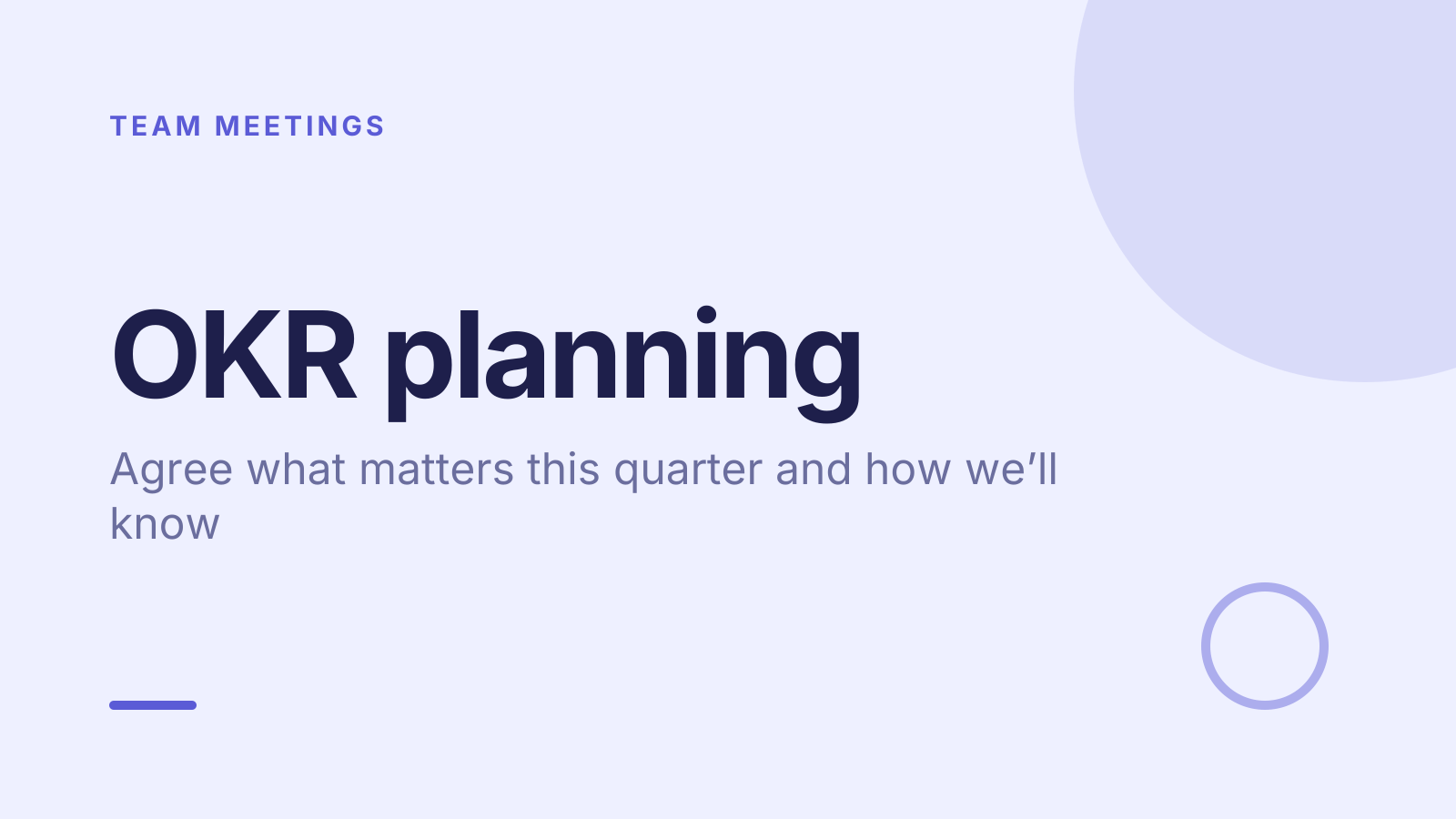
A free okr planning PowerPoint template: 14 slides with speaker notes, 2 polls and a quiz. Edit it in PowerPoint or Google Slides, or run it live on Zoom, Meet, Teams or in the room.
Free, no sign-up. 14 slides, about 88 minutes, speaker notes on every slide. Opens in PowerPoint, Google Slides and Keynote.
What’s inside
- 1 · Welcome
 2 · Today
- 3 · PollPollAnonymous
How much did last quarter’s OKRs guide your work?
- AA lot
- BSomewhat
- CHardly at all
- DI didn’t know them
 4 · Section
- 5 · Write objectives that point somewhere
Write objectives that point somewhere
- 1Qualitative and memorableAn objective says where you want to be by quarter end in plain words, e.g. “Make onboarding easy for new customers”.
- 2Keep it to a fewMost teams do best with one to three objectives a quarter. If everything is a priority, little gets finished.
- 3Link to the bigger goalShow how each objective supports a company or department goal, so people can see why it matters.
- 6 · Key results measure outcomes
Key results measure outcomes
- 1Outcomes, not tasks“Launch the help centre” is a task. “Cut monthly support tickets from 120 to 60” is a key result.
- 2Three to five per objectiveEach needs a number, a baseline and a target. If you can’t tell at quarter end whether you hit it, rewrite it.
- 3Pair measures that balanceMatch a speed measure with a quality one, such as tickets closed and customer satisfaction, so neither gets gamed.
- 7 · Score, review and commit
Score, review and commit
- 1Score from 0 to 1.0Score each key result at quarter end. For stretch goals around 0.7 is a good result; always hitting 1.0 means aiming low.
- 2Mark committed or stretchCommitted OKRs are expected to reach 1.0. Stretch ones are ambitious on purpose. Label each so nobody is surprised.
- 3Check in every week or twoUpdate your confidence on each key result regularly. A short check-in catches drift while there’s still time to act.
 8 · Discussion
- 9 · QuizQuiz
Which of these is a key result, not a task?
- ALaunch a new help centre
- BHire a support lead
- CHalve monthly support ticketsCorrect
- DRun a customer survey
 10 · Key takeaways
- 11 · PollPollAnonymous
How confident are you in this quarter’s OKRs?
- AConfident
- BFairly
- CNot yet
 12 · Next steps
 13 · Close
Show of hands, or everyone’s answer
The first poll works with hands up. Here’s the same question in a sample room of 15, answered live. Tap an answer to join in.
Show of hands
How much did last quarter’s OKRs guide your work?
About 4 hands go up, the same ones as always. You hear the loudest people, not the room.
Live in Claryoo · 0 of 15 answered · anonymous
LiveHow much did last quarter’s OKRs guide your work?
Six people barely used last quarter’s OKRs. That’s the first thing to fix. Run it live, free
What the session covers
1.Write objectives that point somewhere
Qualitative and memorable
An objective says where you want to be by quarter end in plain words, e.g. “Make onboarding easy for new customers”.
Keep it to a few
Most teams do best with one to three objectives a quarter. If everything is a priority, little gets finished.
Link to the bigger goal
Show how each objective supports a company or department goal, so people can see why it matters.
2.Key results measure outcomes
Outcomes, not tasks
“Launch the help centre” is a task. “Cut monthly support tickets from 120 to 60” is a key result.
Three to five per objective
Each needs a number, a baseline and a target. If you can’t tell at quarter end whether you hit it, rewrite it.
Pair measures that balance
Match a speed measure with a quality one, such as tickets closed and customer satisfaction, so neither gets gamed.
3.Score, review and commit
Score from 0 to 1.0
Score each key result at quarter end. For stretch goals around 0.7 is a good result; always hitting 1.0 means aiming low.
Mark committed or stretch
Committed OKRs are expected to reach 1.0. Stretch ones are ambitious on purpose. Label each so nobody is surprised.
Check in every week or two
Update your confidence on each key result regularly. A short check-in catches drift while there’s still time to act.
How to run it, slide by slide
About 88 minutes in all. These notes come with the PowerPoint as speaker notes, so you see them while you present.
- 1Welcome2 min
“Today we leave with a small set of OKRs we actually believe in, and a way to keep them alive.”
Have last quarter’s OKRs and the company goals ready to share.
- 2Today3 min
“We’ll look back, draft objectives and key results together, then commit and set check-ins.”
Remind people that drafts are meant to be rough at first.
- 3Poll6 min
“Be honest: how much did last quarter’s OKRs guide your work?”
If most say somewhat or less, ask what got in the way: too many, written too late, or never checked. Fix that first today.
- 4Section2 min
“Let’s get into how to write OKRs that guide the work.”
Move to the first teaching slide.
- 5Write objectives that point somewhere10 min
“An objective is the direction. If you can’t remember it without looking, it’s too complicated.”
Show one weak and one strong objective from your own area and ask the room what makes the difference.
- 6Key results measure outcomes10 min
“A key result tells us whether we got there. Tasks are how we try, and they live in our plan.”
Rewrite one task-style key result into an outcome live, asking “What would change if this worked?”
- 7Score, review and commit8 min
“OKRs only work if we look at them again. Here’s how we’ll score and review them.”
Agree the check-in day and format now, and who updates each key result’s confidence.
- 8Discussion25 min
“What one outcome would make this quarter a success? Write yours alone first, then shape it into an OKR in pairs.”
Each pair drafts one objective and up to three key results. Gather them, group duplicates, and dot vote down to a few.
- 9Quiz5 min
“Quick check before we finalise: which of these is a key result, not a task?”
- 10Key takeaways3 min
“A few objectives, key results that measure outcomes, and check-ins every week or two.”
Point to the final draft OKRs while you say this.
- 11Poll4 min
“How confident are you in the OKRs we just agreed?”
If several say not yet, ask which key result feels least real and adjust its target or baseline now.
- 12Next steps8 min
“Each owner now drafts the key results for their area and adds a starting number to each.”
Name an owner for every key result and set the date of the first check-in before anyone leaves.
- 13Close2 min
“Thanks. These are ours now, so let’s look at them often.”
Share the final OKRs in writing the same day, somewhere the team sees often.
Techniques that work in this session
From the facilitator playbook: step-by-step, with a short video. Swap one into the discussion slide.
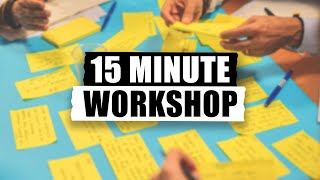
Note and vote: dot voting in 15 minutes
Write alone, vote with dots in silence, discuss only the winners. Fifteen minutes, everyone heard.
15 min3 to 30

Fist to five: check agreement in one minute
Everyone shows 0 to 5 fingers on a proposal. Anyone under 3 gets heard before you move on.
1 to 10 min3 to 50
About this okr planning template
Writing OKRs is easy. Writing ones that guide a team’s work for a whole quarter is not. This free OKR presentation template is for managers and team leads running a quarterly planning session. It moves from an honest look back at last quarter, through drafting objectives and key results together, to commitments and a check-in rhythm.
Three teaching slides explain how to write objectives that point somewhere, why key results should measure outcomes rather than tasks, and how to score and review them. An anonymous poll shows how much last quarter’s OKRs really mattered, a short quiz checks people can tell a key result from a task, and the speaker notes script the full 90 minutes.
When to use it
- Quarterly OKR planning with your team or department
- Introducing OKRs to a team that hasn’t used them before
- Resetting OKRs that were written and then forgotten
How to use it
- Download the PowerPoint. Every word is editable text, so add your name, your examples and your logo. For Google Slides, upload the file to Google Drive and open it with Google Slides. It also opens in Keynote.
- Read the first slide. It’s hidden when you present and lays out the session minute by minute. Each slide’s speaker notes say what to say, what to do and how long it takes.
- Run the polls your way. Hands up works in any room. To get everyone’s answer, anonymous when it matters, run the same deck live with Claryoo on a Zoom, Google Meet or Teams call, or in the room by QR code. Already edited your PowerPoint? Save it as a PDF and add it to your Claryoo deck.
More on live polls, quizzes and pick a volunteer, or spin the free wheel of names.