Claryoo
A 1 on 1 meeting template that gets past status updates
A free one-on-one meeting PowerPoint template: 12 slides with speaker notes, 3 polls. Edit it in PowerPoint or Google Slides, or run it live on Zoom, Meet, Teams or in the room.
Free, no sign-up. 12 slides, about 30 minutes, speaker notes on every slide. Opens in PowerPoint, Google Slides and Keynote.
What’s inside
- 1 · Welcome
 2 · Today
- 3 · PollPoll
How’s your week been, honestly?
- AGoing well
- BBusy but fine
- CStretched thin
- DStuck on something
 4 · Section
- 5 · How you’re doing, and what’s in the way
How you’re doing, and what’s in the way
- 1Ask an open check-inTry “What’s on your mind this week?” and then wait. A few seconds of silence often brings out the real topic.
- 2Name the blocker plainlyAsk “What’s slowing you down that I could help with?” Then agree who acts on it and by when, before moving on.
- 3Keep status updates outProject updates belong in a written note or the team meeting. Use this time for what can’t be solved in writing.
- 6 · Growth and feedback, both ways
Growth and feedback, both ways
- 1Make feedback specificName the situation, the behaviour and its impact. “In Tuesday’s demo your summary kept the client on track” beats “nice job”.
- 2Talk growth once a monthEvery few meetings, ask where they want to be in a year and which skill would get them closer. Agree one small step.
- 3Close with written actionsEnd by reading back who does what by when. Keep it in the shared doc so the next meeting starts from there.
 7 · Discussion
- 8 · PollPoll
What would help you most right now?
- AClearer priorities
- BFeedback on my work
- CHelp with a blocker
- DTime to talk growth
 9 · Key takeaways
- 10 · PollPoll
How useful was this 1:1 for you?
- AVery useful
- BSomewhat
- CNot really
 11 · Next steps
 12 · Close
Show of hands, or everyone’s answer
The first poll works with hands up. Here’s the same question in a sample room of 2, answered live. Tap an answer to join in.
Show of hands
How’s your week been, honestly?
In a small room, hands work, but people answer what they think you want to hear.
Live in Claryoo · 0 of 2 answered
LiveHow’s your week been, honestly?
They picked “stretched thin” before small talk could smooth it over. Run it live, free
What the session covers
1.How you’re doing, and what’s in the way
Ask an open check-in
Try “What’s on your mind this week?” and then wait. A few seconds of silence often brings out the real topic.
Name the blocker plainly
Ask “What’s slowing you down that I could help with?” Then agree who acts on it and by when, before moving on.
Keep status updates out
Project updates belong in a written note or the team meeting. Use this time for what can’t be solved in writing.
2.Growth and feedback, both ways
Make feedback specific
Name the situation, the behaviour and its impact. “In Tuesday’s demo your summary kept the client on track” beats “nice job”.
Talk growth once a month
Every few meetings, ask where they want to be in a year and which skill would get them closer. Agree one small step.
Close with written actions
End by reading back who does what by when. Keep it in the shared doc so the next meeting starts from there.
How to run it, slide by slide
About 30 minutes in all. These notes come with the PowerPoint as speaker notes, so you see them while you present.
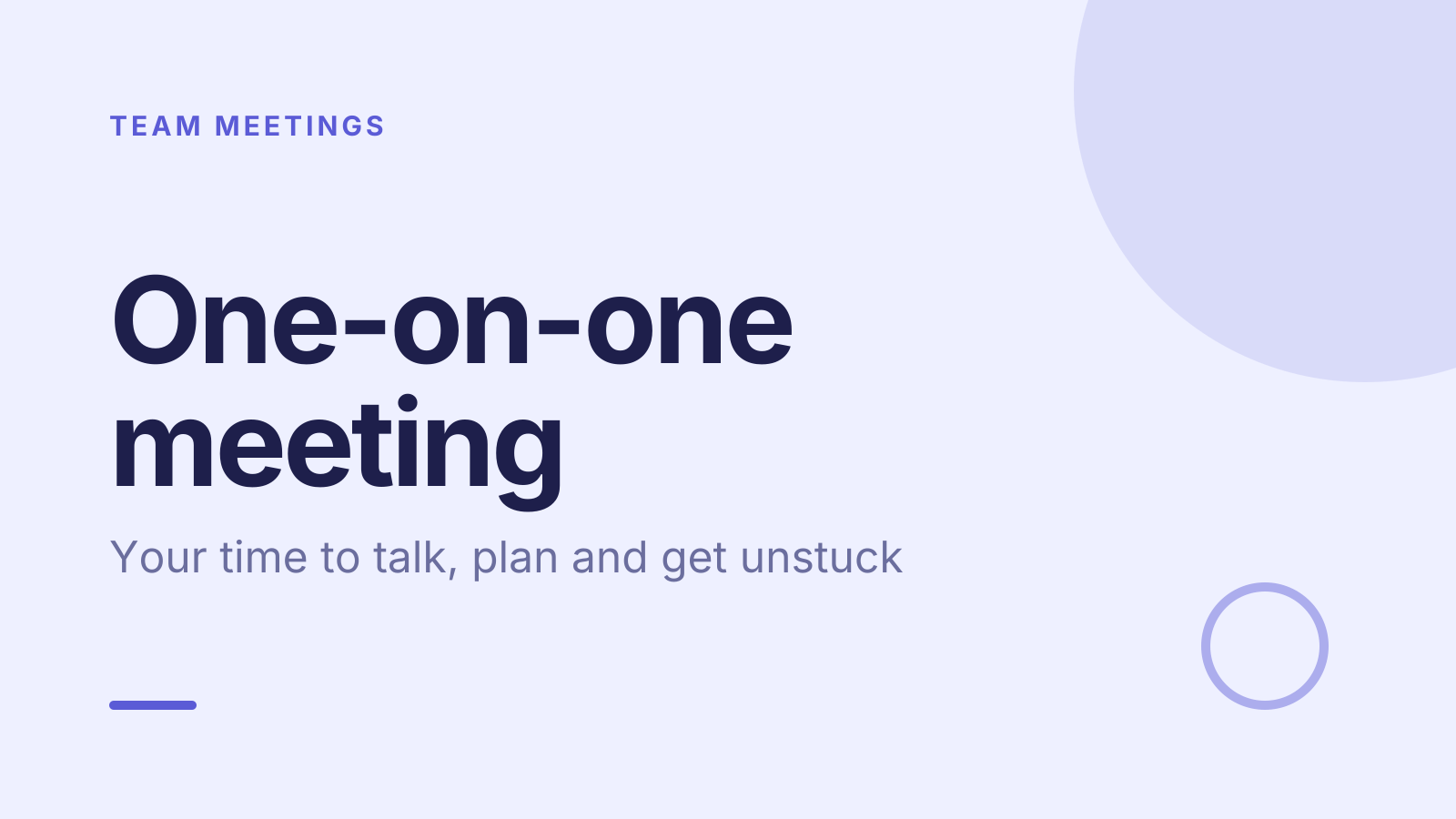
- 1Welcome1 min
“This is your time, so I want most of it spent on what matters to you.”
Sit somewhere quiet, close other windows and put your phone away before you start.
- 2Today1 min
“We’ll cover how you’re doing, any blockers and priorities, then growth and feedback. Anything you want to add?”
Move their topics to the top. If the shared doc has items, start from those.
- 3Poll3 min
“Let’s start with a quick, honest check on your week.”
If they pick stretched or stuck, ask “What’s making it feel that way?” and stay on it. If it’s going well, ask what made it work.
- 4Section1 min
“Now let’s look at what’s in your way and what matters most until we next meet.”
Keep this short and move straight to the first teaching slide.
- 5How you’re doing, and what’s in the way5 min
“These are the questions I’ll try to ask every time, so you know what to expect.”
Ask each question for real as you go, and let their answers take the time, not the slide.
- 6Growth and feedback, both ways5 min
“I want you to hear what’s going well, what to change, and where you’re heading.”
Give one piece of specific feedback now, using situation, behaviour and impact, then ask how it lands.
- 7Discussion5 min
“I’d like to hear what I could do differently. I won’t argue with it, I just want to understand.”
Wait through the silence. Thank them, ask for an example, and note one thing you’ll change.
- 8Poll3 min
“Which of these would help you most right now?”
Whatever they pick, agree one concrete step for it today, with a date, rather than a promise to look into it.
- 9Key takeaways1 min
“So, your agenda first, a named owner for each blocker, and feedback going both ways.”
Read back what you agreed in their words, not yours.
- 10Poll1 min
“Last one: how useful was this for you?”
If they say somewhat or not really, ask what would make next time better and change the format.
- 11Next steps3 min
“Here’s what each of us will do before next time.”
Write both lists of actions in the shared doc while you’re still together.
- 12Close1 min
“Thanks for being open. Same time next week, and message me sooner if something comes up.”
Confirm the next date before you leave the call or room.
Techniques that work in this session
From the facilitator playbook: step-by-step, with a short video. Swap one into the discussion slide.

About this one-on-one meeting template
A good one-on-one belongs to the person you manage, not to the project plan. This free 1 on 1 meeting template gives managers and team leads a 30-minute structure: how they’re doing, blockers and priorities, then growth and feedback. Two short teaching slides cover the questions to ask and the habits that keep these meetings useful week after week.
Three quick self-check polls do the opening work. Your report says how the week has really been, picks what would help most right now, and rates how useful the meeting was. The speaker notes give you words to open each part, how to read each answer, and a written script that keeps the full meeting to half an hour.
When to use it
- Starting weekly or fortnightly 1:1s with a new report
- Resetting one-on-ones that have drifted into status updates
- Checking in with someone who seems stretched or quiet lately
How to use it
- Download the PowerPoint. Every word is editable text, so add your name, your examples and your logo. For Google Slides, upload the file to Google Drive and open it with Google Slides. It also opens in Keynote.
- Read the first slide. It’s hidden when you present and lays out the session minute by minute. Each slide’s speaker notes say what to say, what to do and how long it takes.
- Run the polls your way. Hands up works in any room. To get everyone’s answer, anonymous when it matters, run the same deck live with Claryoo on a Zoom, Google Meet or Teams call, or in the room by QR code. Already edited your PowerPoint? Save it as a PDF and add it to your Claryoo deck.
More on live polls, quizzes and pick a volunteer, or spin the free wheel of names.