Claryoo
Strategic planning presentation template for a real working session
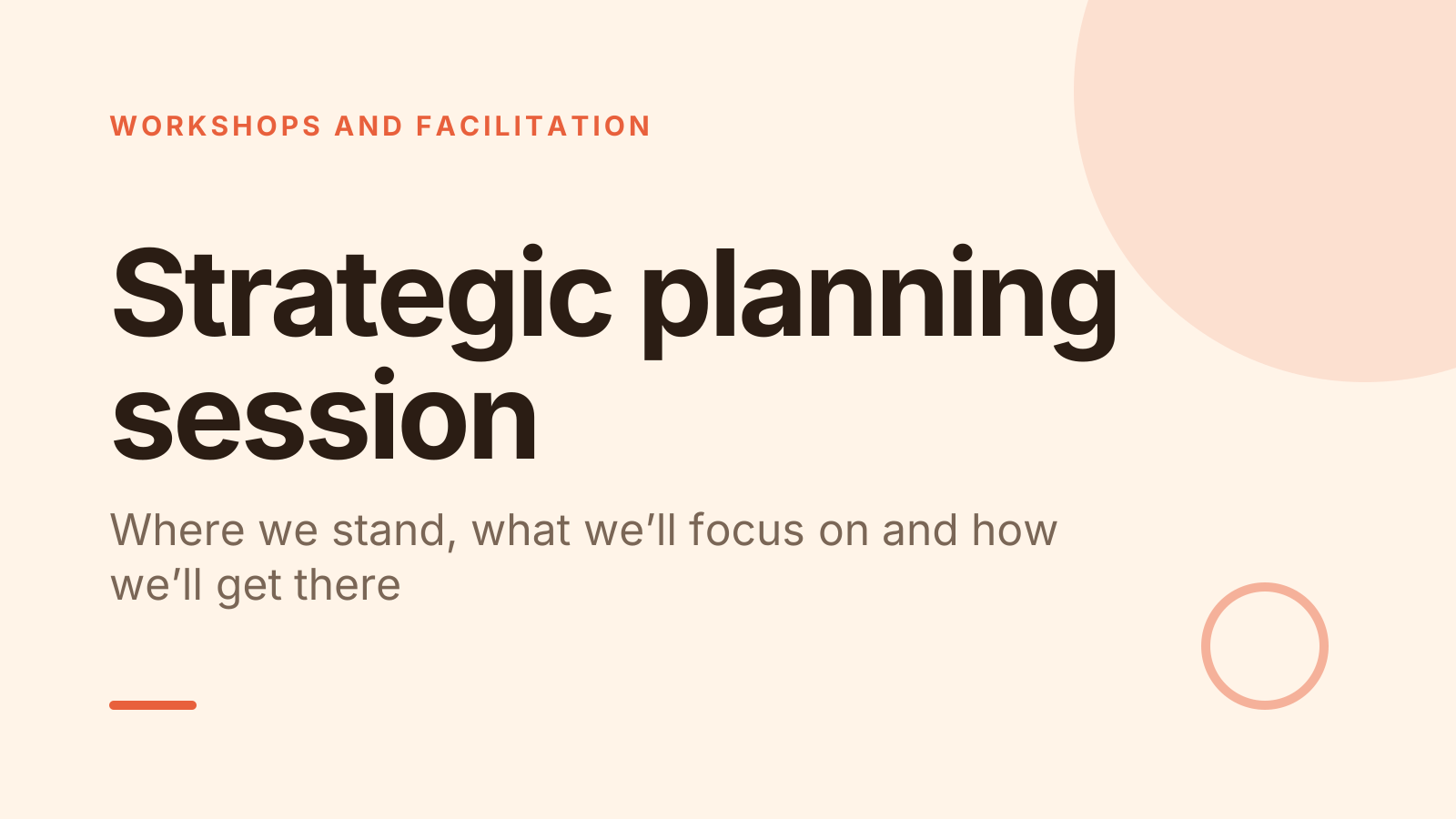
A free strategic planning session PowerPoint template: 14 slides with speaker notes, 2 polls and a quiz. Edit it in PowerPoint or Google Slides, or run it live on Zoom, Meet, Teams or in the room.
Free, no sign-up. 14 slides, about 81 minutes, speaker notes on every slide. Opens in PowerPoint, Google Slides and Keynote.
What’s inside
- 1 · Welcome
 2 · Today
- 3 · PollPollAnonymous
How clearly could you explain our current strategy?
- AVery clearly
- BMostly
- COnly roughly
- DNot really
 4 · Section
- 5 · Look honestly at where you stand
Look honestly at where you stand
- 1Use a SWOT with evidenceStrengths and weaknesses are inside your control. Opportunities and threats come from outside. Back each with a fact.
- 2Ask what has changedCompare today with when the last plan was written: funding, customers, competitors, rules, people.
- 3Bring in outside voicesRead out a few real customer, member or staff comments. They keep the room from planning around its own view.
- 6 · Choose a few priorities
Choose a few priorities
- 1Keep it to three to fiveIf people can’t name the priorities from memory a month later, there are too many.
- 2Say what you won’t doFor each priority, name one thing you’ll stop, pause or say no to. That makes the choice real.
- 3Link back to the missionAsk of each one: if we did only this, would we be closer to our purpose? Drop those that fail.
- 7 · Turn priorities into a plan
Turn priorities into a plan
- 1One owner per priorityShared ownership often means no ownership. Name one person who reports on it, supported by others.
- 2Pick one or two measuresChoose numbers that show progress, such as repeat customers or volunteer hours, not a list of activities.
- 3Set quarterly milestonesBreak each priority into what done looks like by the end of each quarter, then review every quarter.
 8 · Discussion
- 9 · QuizQuiz
In a SWOT analysis, which two are external factors?
- AStrengths and weaknesses
- BOpportunities and threatsCorrect
- CStrengths and threats
- DWeaknesses and opportunities
 10 · Key takeaways
- 11 · PollPollAnonymous
How confident are you that we can deliver this plan?
- AVery confident
- BFairly confident
- CNot yet
 12 · Next steps
 13 · Close
Show of hands, or everyone’s answer
The first poll works with hands up. Here’s the same question in a sample room of 12, answered live. Tap an answer to join in.
Show of hands
How clearly could you explain our current strategy?
About 3 hands go up, the same ones as always. You hear the loudest people, not the room.
Live in Claryoo · 0 of 12 answered · anonymous
LiveHow clearly could you explain our current strategy?
Half the leadership team can’t clearly explain the current strategy. Better to know that before you plan the next one. Run it live, free
What the session covers
1.Look honestly at where you stand
Use a SWOT with evidence
Strengths and weaknesses are inside your control. Opportunities and threats come from outside. Back each with a fact.
Ask what has changed
Compare today with when the last plan was written: funding, customers, competitors, rules, people.
Bring in outside voices
Read out a few real customer, member or staff comments. They keep the room from planning around its own view.
2.Choose a few priorities
Keep it to three to five
If people can’t name the priorities from memory a month later, there are too many.
Say what you won’t do
For each priority, name one thing you’ll stop, pause or say no to. That makes the choice real.
Link back to the mission
Ask of each one: if we did only this, would we be closer to our purpose? Drop those that fail.
3.Turn priorities into a plan
One owner per priority
Shared ownership often means no ownership. Name one person who reports on it, supported by others.
Pick one or two measures
Choose numbers that show progress, such as repeat customers or volunteer hours, not a list of activities.
Set quarterly milestones
Break each priority into what done looks like by the end of each quarter, then review every quarter.
How to run it, slide by slide
About 81 minutes in all. These notes come with the PowerPoint as speaker notes, so you see them while you present.
- 1Welcome3 min
“Today we’re here to agree a small number of priorities and leave with owners for each. Everything we decide fits on one page.”
State the planning horizon, for example the next 12 months, so everyone plans for the same period.
- 2Today2 min
“First we look honestly at where we stand, then choose our priorities, then turn them into a plan we can track.”
Name who holds the final decision if the group can’t agree, so nobody is surprised later.
- 3Poll5 min
“Answer honestly, this is anonymous: how clearly could you explain our current strategy?”
If most say roughly or not really, the problem may be communication, not strategy. Ask what made it hard to explain before moving on.
- 4Section1 min
“Let’s start with the facts about where we stand today.”
Have the key numbers ready on one page: income, costs, customers or members, and team size.
- 5Look honestly at where you stand12 min
“Good plans start with an honest picture. Let’s build a SWOT together, and every item needs a fact behind it.”
Run a 4 box SWOT on a board. Challenge any item with “how do we know?” and drop what nobody can back up.
- 6Choose a few priorities12 min
“Strategy is choosing. We’ll narrow our options down to the few that matter most.”
Give each person three votes across the candidate priorities. Discuss the top five, then agree three to five.
- 7Turn priorities into a plan10 min
“A priority without an owner, a measure and a date is still just a wish.”
Fill a simple table with the group: priority, owner, measure, first quarter milestone.
- 8Discussion20 min
“Every new priority needs time from somewhere. What should we stop doing to make room?”
Collect answers on a shared board and group duplicates. If no one names anything, ask what they would cut with half the budget.
- 9Quiz3 min
“A quick check on the basics. In a SWOT analysis, which two are external factors?”
- 10Key takeaways3 min
“Three things to remember: start from evidence, keep priorities few and owned, and review the plan on a rhythm.”
Read the agreed priorities aloud with their owners to confirm them.
- 11Poll5 min
“Honestly and anonymously: how confident are you that we can deliver this plan?”
If confidence is low, ask what single change would raise it. That answer is often the real risk in the plan.
- 12Next steps3 min
“Each owner drafts one page for their priority, sets the first milestone and we book the first review now.”
Put the review date in calendars before people leave the room.
- 13Close2 min
“Thank you for the honest conversation. A plan only matters if we use it, so see you at the first review.”
Share the one-page plan within two working days.
Techniques that work in this session
From the facilitator playbook: step-by-step, with a short video. Swap one into the discussion slide.
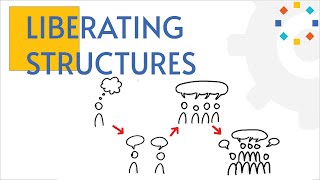
1-2-4-All: hear from everyone in 12 minutes
Alone, pairs, fours, then the whole group. Every voice in, no matter how big the room.
12 to 15 min4 to 1,000+
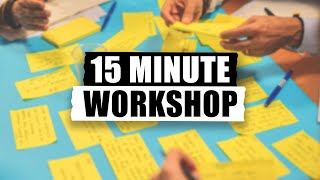
Note and vote: dot voting in 15 minutes
Write alone, vote with dots in silence, discuss only the winners. Fifteen minutes, everyone heard.
15 min3 to 30
Consensus decision making, step by step
Six steps to a decision everyone can live with, and four clear ways to say yes, no or not quite.
20 to 60 min3 to 30
About this strategic planning session template
This strategic planning presentation template is for leadership teams, boards, nonprofit directors and the facilitators who run their planning days. It moves from an honest look at where you stand, through a SWOT analysis, to choosing three to five priorities and turning each into owners, measures and milestones the team can actually track.
An anonymous poll opens by asking how clearly people could explain the current strategy, which often says more than any slide. A quiz checks the SWOT basics, and a closing poll tests confidence in the plan. Speaker notes cover what to say, timings for a session of about 80 minutes and how to handle a quiet or divided room.
When to use it
- Running an annual or mid-year strategic planning session with leaders
- Helping a nonprofit board agree priorities for the next one to three years
- Resetting a plan after a big change in budget, market or leadership
How to use it
- Download the PowerPoint. Every word is editable text, so add your name, your examples and your logo. For Google Slides, upload the file to Google Drive and open it with Google Slides. It also opens in Keynote.
- Read the first slide. It’s hidden when you present and lays out the session minute by minute. Each slide’s speaker notes say what to say, what to do and how long it takes.
- Run the polls your way. Hands up works in any room. To get everyone’s answer, anonymous when it matters, run the same deck live with Claryoo on a Zoom, Google Meet or Teams call, or in the room by QR code. Already edited your PowerPoint? Save it as a PDF and add it to your Claryoo deck.
More on live polls, quizzes and pick a volunteer, or spin the free wheel of names.