Claryoo
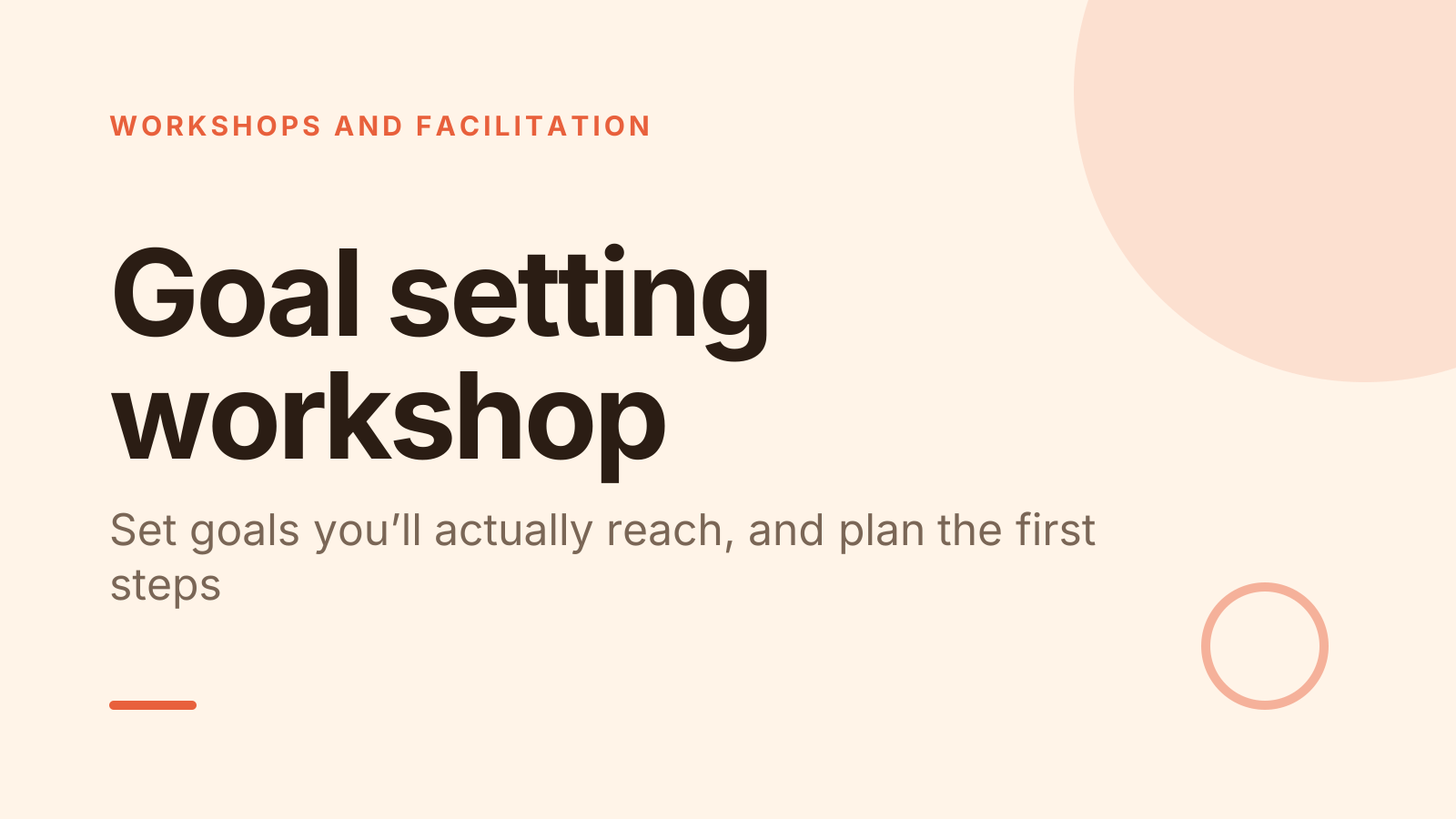
Goal setting PPT for a workshop where people leave with a real plan
A free goal setting workshop PowerPoint template: 14 slides with speaker notes, a poll, a quiz and a volunteer pick. Edit it in PowerPoint or Google Slides, or run it live on Zoom, Meet, Teams or in the room.
Free, no sign-up. 14 slides, about 60 minutes, speaker notes on every slide. Opens in PowerPoint, Google Slides and Keynote.
What’s inside
- 1 · Welcome
 2 · Today
- 3 · PollPollAnonymous
What usually happens to the goals you set?
- ADone on time
- BDone, but late
- CQuietly dropped
- DNever really set
 4 · Section
- 5 · Write a clear, SMART goal
Write a clear, SMART goal
- 1Make it specificSwap “improve sales” for “win 5 new clients in the retail sector”. A clear goal points to clear actions.
- 2Add a number and a dateAsk “how will I know it’s done, and by when?”. Measurable and time-bound turn a wish into a goal.
- 3Stretch, but stay realisticAim for something you’d be proud of that you can still reach with the time and help you have.
- 6 · Break it into steps and plan obstacles
Break it into steps and plan obstacles
- 1Work back from the dateSet milestones, such as monthly checkpoints, then name the very first step you can take this week.
- 2Use if-then plansWrite “if I miss my Monday slot, then I’ll do it Tuesday at 8”. Deciding ahead makes it easier to act.
- 3Keep it to one or two goalsEach goal competes for the same time and energy. Fewer goals get more attention and more progress.
- 7 · Keep your goal alive
Keep your goal alive
- 1Write it where you’ll see itPut it on your desk, your phone lock screen or the top of your weekly to-do list.
- 2Review weekly for 10 minutesAsk three questions: what did I do, what got in the way and what’s my step for next week?
- 3Tell someoneShare your goal with a partner who will ask about it. A regular check-in helps you keep going.
 8 · Discussion
- 9 · QuizQuiz
In a SMART goal, what does the T stand for?
- ATested
- BTime-boundCorrect
- CTargeted
- DTracked
 10 · Key takeaways
- 11 · Pick a volunteerPick a volunteer
Who reads their goal out first?
Type GOAL in the chat to be in the draw.
 12 · Next steps
 13 · Close
Show of hands, or everyone’s answer
The first poll works with hands up. Here’s the same question in a sample room of 20, answered live. Tap an answer to join in.
Show of hands
What usually happens to the goals you set?
About 5 hands go up, the same ones as always. You hear the loudest people, not the room.
Live in Claryoo · 0 of 20 answered · anonymous
LiveWhat usually happens to the goals you set?
Most of the room quietly drops their goals. That’s the problem today should solve, not writing more of them. Run it live, free
What the session covers
1.Write a clear, SMART goal
Make it specific
Swap “improve sales” for “win 5 new clients in the retail sector”. A clear goal points to clear actions.
Add a number and a date
Ask “how will I know it’s done, and by when?”. Measurable and time-bound turn a wish into a goal.
Stretch, but stay realistic
Aim for something you’d be proud of that you can still reach with the time and help you have.
2.Break it into steps and plan obstacles
Work back from the date
Set milestones, such as monthly checkpoints, then name the very first step you can take this week.
Use if-then plans
Write “if I miss my Monday slot, then I’ll do it Tuesday at 8”. Deciding ahead makes it easier to act.
Keep it to one or two goals
Each goal competes for the same time and energy. Fewer goals get more attention and more progress.
3.Keep your goal alive
Write it where you’ll see it
Put it on your desk, your phone lock screen or the top of your weekly to-do list.
Review weekly for 10 minutes
Ask three questions: what did I do, what got in the way and what’s my step for next week?
Tell someone
Share your goal with a partner who will ask about it. A regular check-in helps you keep going.
How to run it, slide by slide
About 60 minutes in all. These notes come with the PowerPoint as speaker notes, so you see them while you present.
- 1Welcome2 min
“By the end of this hour, you’ll have one clear goal, the first step and a plan for what might get in the way.”
Ask people to have paper or a note open, as they’ll be writing throughout.
- 2Today2 min
“We’ll write a clear goal, break it into steps and talk about how to keep it alive after today.”
Say that one goal done beats five goals started, so today everyone works on one.
- 3Poll4 min
“This is anonymous: what usually happens to the goals you set?”
If most say dropped or late, tell the group they’re normal and that the second half of today is built for exactly that.
- 4Section1 min
“Let’s start by writing one goal clearly enough that you’ll know when it’s done.”
Move straight into the first lesson.
- 5Write a clear, SMART goal10 min
“Most goals fail before they start because they’re too vague to act on. Let’s fix that first.”
Give people 4 minutes to write one SMART goal, then have partners check it against the five letters.
- 6Break it into steps and plan obstacles8 min
“A goal is just the destination. Now we plan the route and the bumps on the way.”
Have people write their milestones and first step under their goal before the prompt activity.
- 7Keep your goal alive6 min
“Goals rarely fail in one moment. They fade when nobody looks at them for a few weeks.”
Pair people now as goal partners and have them agree when they’ll check in.
- 8Discussion10 min
“Look at your goal. What could get in your way, and what will you do then?”
Have each person write two if-then plans. Pairs check each other’s: is the “then” something they can actually do?
- 9Quiz3 min
“Quick check on the basics: in a SMART goal, what does the T stand for?”
- 10Key takeaways3 min
“Three things to remember: specific beats ambitious, plan for the obstacles and review every week.”
Ask who has already rewritten their goal today, and what changed.
- 11Pick a volunteer6 min
“Let’s hear some goals. Whoever is picked reads theirs out, and we’ll check it together.”
Run three or four. For each, ask the group one helpful question, such as how they’ll measure it.
- 12Next steps3 min
“Before you go: put your goal where you’ll see it, take your first step within 48 hours and book a weekly review.”
Give one minute for people to book the review in their calendar now.
- 13Close2 min
“Thank you. The goal is written. Now the small weekly habit is what gets it done.”
Offer a follow-up check-in in four weeks for anyone who wants it.
Techniques that work in this session
From the facilitator playbook: step-by-step, with a short video. Swap one into the discussion slide.
About this goal setting workshop template
This goal setting PPT is for team leads, coaches, trainers and HR teams running a session at the start of a year, quarter or new role. Three teaching slides cover writing a specific SMART goal, breaking it into steps with if-then plans for the obstacles, and keeping it alive with a short weekly review. Everyone leaves with one written goal.
An anonymous poll opens by asking what usually happens to people’s goals, so the room admits the real problem early. A quiz checks the SMART basics, and a random pick chooses who reads their goal out first. Speaker notes give you the words to say, timings for a session of about an hour and tips for a quiet room.
When to use it
- Starting a new year or quarter with a team or a group of learners
- Helping new starters set goals for their first 90 days
- Running a coaching group or personal development workshop
How to use it
- Download the PowerPoint. Every word is editable text, so add your name, your examples and your logo. For Google Slides, upload the file to Google Drive and open it with Google Slides. It also opens in Keynote.
- Read the first slide. It’s hidden when you present and lays out the session minute by minute. Each slide’s speaker notes say what to say, what to do and how long it takes.
- Run the polls your way. Hands up works in any room. To get everyone’s answer, anonymous when it matters, run the same deck live with Claryoo on a Zoom, Google Meet or Teams call, or in the room by QR code. Already edited your PowerPoint? Save it as a PDF and add it to your Claryoo deck.
More on live polls, quizzes and pick a volunteer, or spin the free wheel of names.