Claryoo
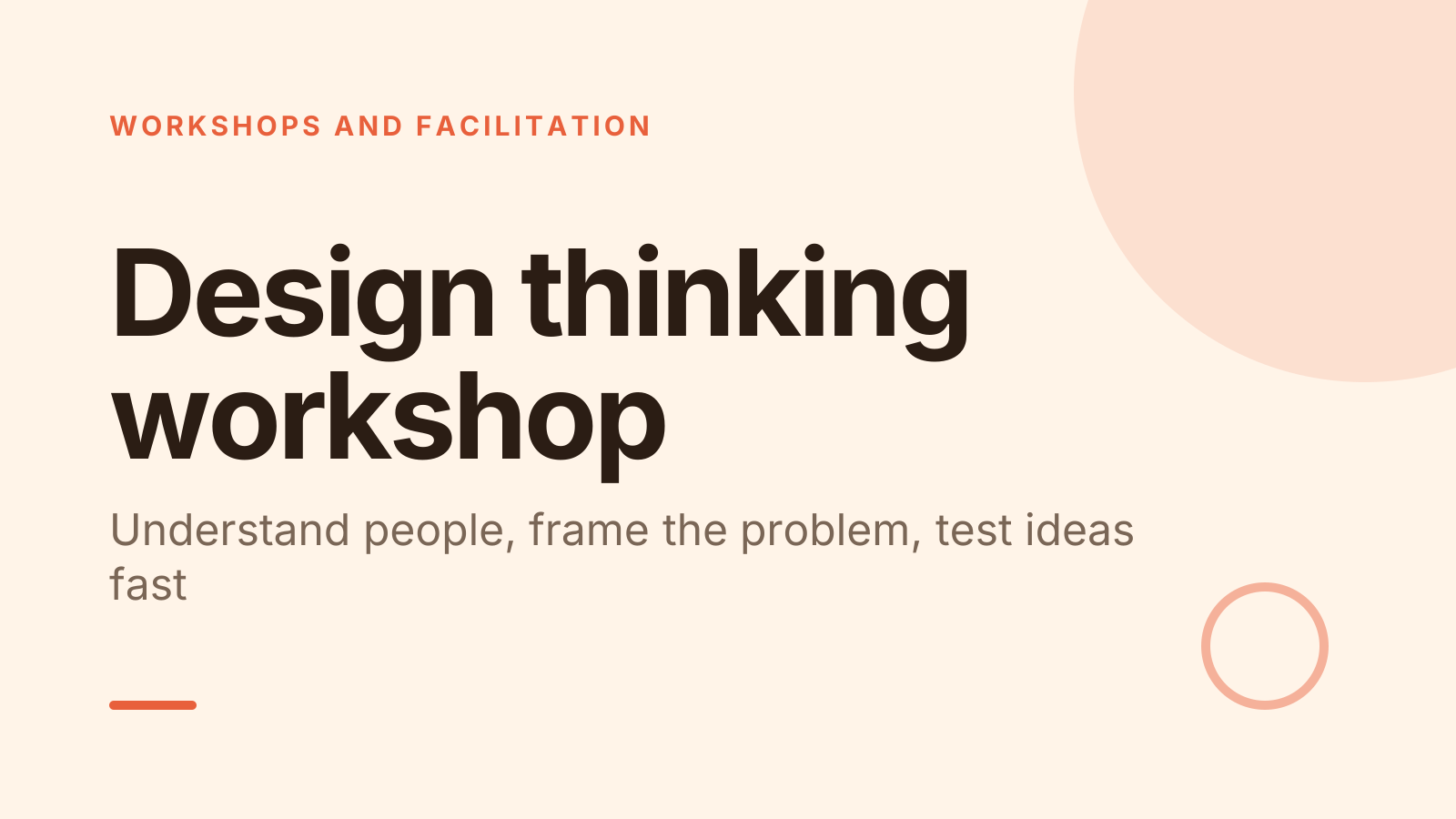
Design thinking workshop PPT with a full facilitator script
A free design thinking workshop PowerPoint template: 14 slides with speaker notes, a poll, a quiz and a volunteer pick. Edit it in PowerPoint or Google Slides, or run it live on Zoom, Meet, Teams or in the room.
Free, no sign-up. 14 slides, about 68 minutes, speaker notes on every slide. Opens in PowerPoint, Google Slides and Keynote.
What’s inside
- 1 · Welcome
 2 · Today
- 3 · PollPoll
Which step does your team most often skip?
- ATalking to real users
- BAgreeing on the problem
- CExploring many ideas
- DTesting before building
 4 · Section
- 5 · Empathize
Empathize: learn from real people
- 1Ask about the last timeSay “tell me about the last time you…” instead of “would you…”. Real stories beat guesses about the future.
- 2Watch what they doPeople describe their ideal habits. Observe the task itself and note workarounds, sticky notes and sighs.
- 3Write quotes, not opinionsCapture their exact words. Keep your interpretation in a separate column so the team can judge it fresh.
- 6 · Define
Define: frame the problem as a question
- 1Write a point of viewCombine a user, a need and an insight: “Busy parents need to book fast because evenings are their only free time.”
- 2Turn it into how might weRewrite the point of view as “How might we…?” so it invites ideas instead of naming a solution.
- 3Check the sizeToo broad: “improve health”. Too narrow: “add a button”. Aim for a question with several possible answers.
- 7 · Ideate, prototype and test quickly
Ideate, prototype and test quickly
- 1Go for volume firstAim for many ideas in a few minutes. Build on others with “yes, and” and save judging for the end.
- 2Build it roughUse paper, sticky notes or a role-play. If it takes more than an hour to make, it’s too polished to test.
- 3Test by watchingHand it over and say nothing. Ask “what would you do next?” and note where they hesitate.
 8 · Discussion
- 9 · QuizQuiz
In the five stage model, what comes right after empathize?
- AIdeate
- BDefineCorrect
- CPrototype
- DTest
 10 · Key takeaways
- 11 · Pick a volunteerPick a volunteer
Who shows their prototype first?
Type DEMO in the chat to be in the draw.
 12 · Next steps
 13 · Close
Show of hands, or everyone’s answer
The first poll works with hands up. Here’s the same question in a sample room of 16, answered live. Tap an answer to join in.
Show of hands
Which step does your team most often skip?
About 4 hands go up, the same ones as always. You hear the loudest people, not the room.
Live in Claryoo · 0 of 16 answered
LiveWhich step does your team most often skip?
Six people say the team skips talking to users. Now you know where to spend the time. Run it live, free
What the session covers
1.Empathize: learn from real people
Ask about the last time
Say “tell me about the last time you…” instead of “would you…”. Real stories beat guesses about the future.
Watch what they do
People describe their ideal habits. Observe the task itself and note workarounds, sticky notes and sighs.
Write quotes, not opinions
Capture their exact words. Keep your interpretation in a separate column so the team can judge it fresh.
2.Define: frame the problem as a question
Write a point of view
Combine a user, a need and an insight: “Busy parents need to book fast because evenings are their only free time.”
Turn it into how might we
Rewrite the point of view as “How might we…?” so it invites ideas instead of naming a solution.
Check the size
Too broad: “improve health”. Too narrow: “add a button”. Aim for a question with several possible answers.
3.Ideate, prototype and test quickly
Go for volume first
Aim for many ideas in a few minutes. Build on others with “yes, and” and save judging for the end.
Build it rough
Use paper, sticky notes or a role-play. If it takes more than an hour to make, it’s too polished to test.
Test by watching
Hand it over and say nothing. Ask “what would you do next?” and note where they hesitate.
How to run it, slide by slide
About 68 minutes in all. These notes come with the PowerPoint as speaker notes, so you see them while you present.
- 1Welcome2 min
“Today we’ll practise design thinking on a real problem, not a case study. By the end you’ll have a rough idea you can test this week.”
Name the problem area up front so people start thinking about real users straight away.
- 2Today2 min
“We’ll start with the people we design for, then frame the problem, then sketch and test. Most of the time is hands-on.”
Point out that the order matters: solutions come last, on purpose.
- 3Poll4 min
“Be honest: which step does your team most often skip?”
If most say talking to users, spend extra time on the first lesson. If testing wins, stretch the prototype round. Ask one person to describe a time skipping it cost them.
- 4Section1 min
“Let’s start where good design starts: with a person, not an idea.”
Keep this short and move straight into the first lesson.
- 5Empathize8 min
“Design thinking starts with understanding people, and that means talking to them, not about them.”
Pair people for a 3 minute practice interview about the last time they booked travel.
- 6Define8 min
“A well-framed question does half the work. A vague one gives you vague ideas.”
Have each pair write one how might we question and read a few aloud. Adjust any that already contain a solution.
- 7Ideate, prototype and test quickly7 min
“Now we turn our question into ideas, and our best idea into something people can touch.”
Show one example of a paper prototype, such as a hand-drawn screen, so people see how rough is rough enough.
- 8Discussion15 min
“Take your how might we question and write as many answers as you can. Wild ideas are welcome, judging comes later.”
Time 5 minutes alone, then pairs pick one idea and get 8 minutes to build it in paper. If people stall, ask for the worst possible idea and flip it.
- 9Quiz3 min
“Quick check before the demos. In the five stage model, what comes right after empathize?”
- 10Key takeaways3 min
“Three things to hold on to: listen first, frame the question well and keep prototypes rough.”
Ask one person which of the three they’ll find hardest back at work.
- 11Pick a volunteer10 min
“Time to show what you made. Whoever is picked has 90 seconds, and the rest of us act as the user.”
After each demo ask the group what they’d do next, not what they think of it. Run three or four demos.
- 12Next steps3 min
“Before Friday, interview two real users, write your question and test one paper prototype.”
Have each person write the name of one user they can talk to this week.
- 13Close2 min
“Thanks for building things today. The fastest way to learn is to put a rough idea in front of a real person.”
Collect the prototypes or photos so the team can revisit them.
Techniques that work in this session
From the facilitator playbook: step-by-step, with a short video. Swap one into the discussion slide.
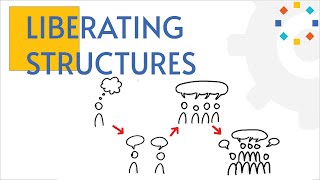
1-2-4-All: hear from everyone in 12 minutes
Alone, pairs, fours, then the whole group. Every voice in, no matter how big the room.
12 to 15 min4 to 1,000+
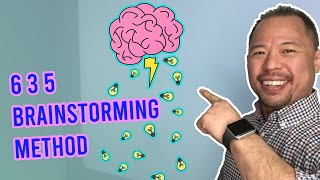
Brainwriting and the 6-3-5 method
Silent brainstorming on paper or a board. Six people, three ideas, five minutes, 108 ideas.
15 to 30 min3 to 8 per sheet
About this design thinking workshop template
This design thinking workshop PPT is for facilitators, product teams and consultants who want a group to practise the process, not just hear about it. Three teaching slides walk through empathy interviews, framing a problem as a how might we question, and quick ideas, prototypes and tests, each with practical techniques you can use the same day.
The deck opens with a poll on which step the team usually skips, so you know where to slow down. A short quiz checks the stages, and a random pick chooses who shows their prototype first. Speaker notes give you the words to say, timings for each slide and what to do if the room goes quiet.
When to use it
- Introducing a team to design thinking with a real problem to work on
- Kicking off a product or service redesign with mixed roles in the room
- Running a 70 minute innovation session for a client or department
How to use it
- Download the PowerPoint. Every word is editable text, so add your name, your examples and your logo. For Google Slides, upload the file to Google Drive and open it with Google Slides. It also opens in Keynote.
- Read the first slide. It’s hidden when you present and lays out the session minute by minute. Each slide’s speaker notes say what to say, what to do and how long it takes.
- Run the polls your way. Hands up works in any room. To get everyone’s answer, anonymous when it matters, run the same deck live with Claryoo on a Zoom, Google Meet or Teams call, or in the room by QR code. Already edited your PowerPoint? Save it as a PDF and add it to your Claryoo deck.
More on live polls, quizzes and pick a volunteer, or spin the free wheel of names.