Claryoo
A public speaking PPT for training that gets everyone on their feet
A free public speaking training PowerPoint template: 14 slides with speaker notes, a poll, a quiz and a volunteer pick. Edit it in PowerPoint or Google Slides, or run it live on Zoom, Meet, Teams or in the room.
Free, no sign-up. 14 slides, about 80 minutes, speaker notes on every slide. Opens in PowerPoint, Google Slides and Keynote.
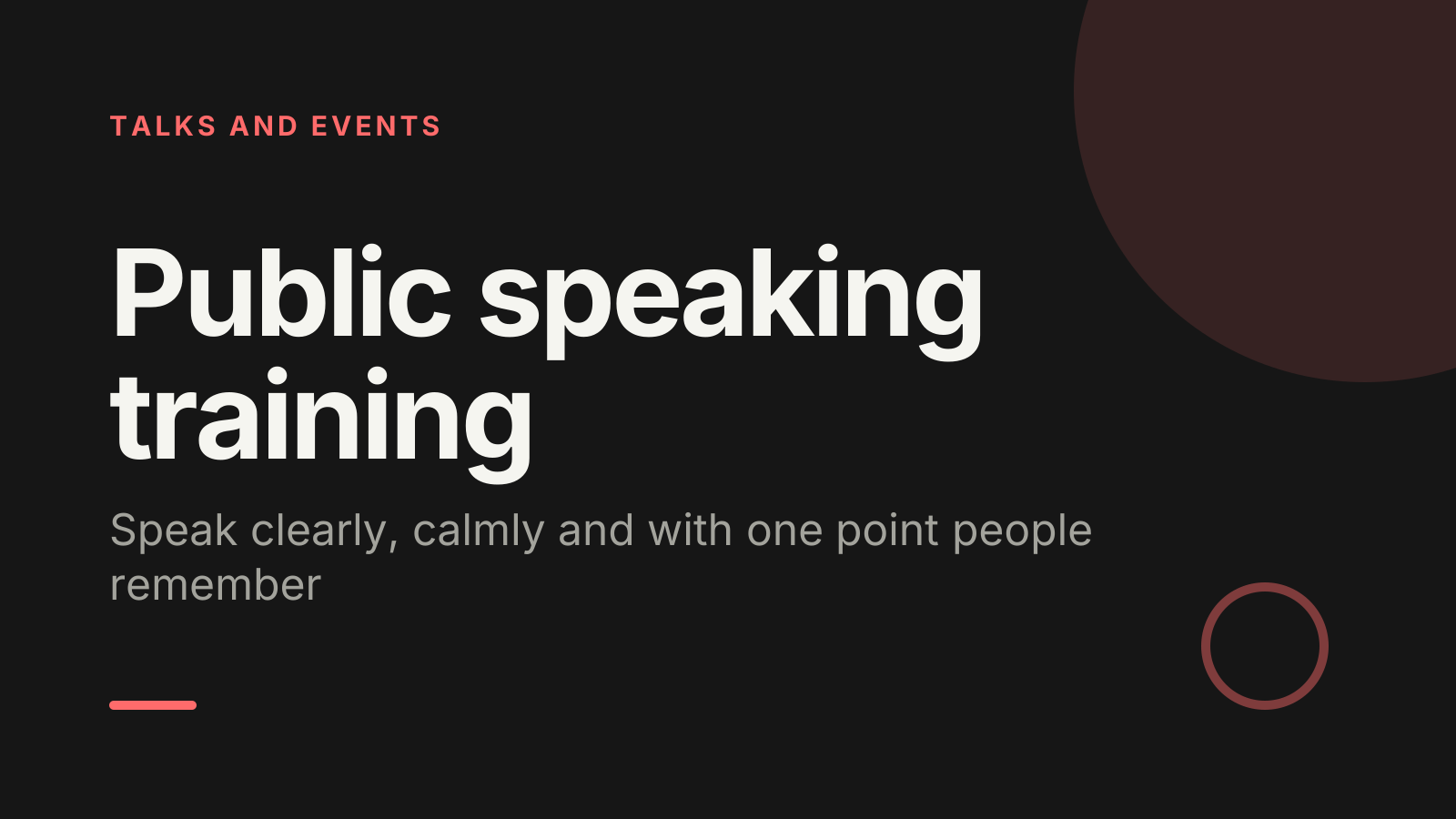
What’s inside
- 1 · Welcome
 2 · Today
- 3 · PollPollAnonymous
What worries you most before you speak?
- AGoing blank
- BShaky voice or hands
- CTough questions
- DBeing judged
 4 · Section
- 5 · Shape a message people remember
Shape a message people remember
- 1Lead with one main pointWrite your point as one sentence before you make any slides. If you can’t, the audience won’t find it either.
- 2Use a simple framePoint, reason, example, point: say it, explain why, show a case, say it again. It works for two minutes or twenty.
- 3Script your first 30 secondsPlan your opening and closing lines word for word. Nerves peak at the start, and the end is what people recall.
- 6 · Voice, pace and body
Voice, pace and body
- 1Pause instead of fillerWhen you feel an um coming, close your mouth and pause. A two-second silence sounds calm and confident.
- 2Plant your feetStand with your weight even on both feet. Move with purpose to a new spot for a new point, then stand still.
- 3One person per thoughtFinish each sentence looking at one listener, then move to another. Online, look at the camera lens, not the faces.
- 7 · Nerves and tough questions
Nerves and tough questions
- 1Breathe out longer than inJust before you start, breathe in for four counts and out for six, a few times. A longer out-breath helps you settle.
- 2Rehearse aloud, standing upRun the talk out loud at least three times, as you’ll give it. Reading it silently feels ready but hides the stumbles.
- 3Repeat, answer, check backRepeat the question, answer briefly, then ask if that helps. If you don’t know, say so and offer to follow up.
 8 · Discussion
- 9 · QuizQuiz
You lose your place mid-talk. What’s the best first move?
- AApologise and start over
- BPause, breathe, check notesCorrect
- CSpeed up to fill the gap
- DSkip to your conclusion
 10 · Key takeaways
- 11 · Pick a volunteerPick a volunteer
Who gives the next 60-second talk?
Type SPEAK in the chat to be in the draw.
 12 · Next steps
 13 · Close
Show of hands, or everyone’s answer
The first poll works with hands up. Here’s the same question in a sample room of 16, answered live. Tap an answer to join in.
Show of hands
What worries you most before you speak?
About 4 hands go up, the same ones as always. You hear the loudest people, not the room.
Live in Claryoo · 0 of 16 answered · anonymous
LiveWhat worries you most before you speak?
Five people fear going blank more than anything else. Nobody admits that with a hand in the air, and now you know where to start. Run it live, free
What the session covers
1.Shape a message people remember
Lead with one main point
Write your point as one sentence before you make any slides. If you can’t, the audience won’t find it either.
Use a simple frame
Point, reason, example, point: say it, explain why, show a case, say it again. It works for two minutes or twenty.
Script your first 30 seconds
Plan your opening and closing lines word for word. Nerves peak at the start, and the end is what people recall.
2.Voice, pace and body
Pause instead of filler
When you feel an um coming, close your mouth and pause. A two-second silence sounds calm and confident.
Plant your feet
Stand with your weight even on both feet. Move with purpose to a new spot for a new point, then stand still.
One person per thought
Finish each sentence looking at one listener, then move to another. Online, look at the camera lens, not the faces.
3.Nerves and tough questions
Breathe out longer than in
Just before you start, breathe in for four counts and out for six, a few times. A longer out-breath helps you settle.
Rehearse aloud, standing up
Run the talk out loud at least three times, as you’ll give it. Reading it silently feels ready but hides the stumbles.
Repeat, answer, check back
Repeat the question, answer briefly, then ask if that helps. If you don’t know, say so and offer to follow up.
How to run it, slide by slide
About 80 minutes in all. These notes come with the PowerPoint as speaker notes, so you see them while you present.
- 1Welcome2 min
“Welcome. By the end of today every one of you will have spoken, and you’ll leave with three techniques you can use next time.”
Say early that everyone will speak, but only to a partner at first. It lowers the stakes.
- 2Today2 min
“We’ll shape a message, work on voice and body, then handle nerves and questions.”
Ask people to think of a real talk they have coming up and keep it in mind.
- 3Poll4 min
“Be honest, it’s anonymous: what worries you most before you speak?”
Read the spread aloud and normalise it: these fears are very common. Say which lesson tackles the top answer.
- 4Section1 min
“Practice beats theory, so let’s keep the theory short.”
Move straight into the first lesson.
- 5Shape a message people remember12 min
“Most talks fail because they try to say too much. Let’s get yours down to one sentence.”
Give everyone three minutes to write their one-sentence point for a real upcoming talk, then hear two aloud.
- 6Voice, pace and body12 min
“Your voice and body tell the audience how confident to feel about you.”
Demonstrate a sentence with filler words, then with pauses. Have pairs try one sentence each way.
- 7Nerves and tough questions10 min
“Nerves don’t go away, but you can manage them, and questions are easier with a simple routine.”
Do the breathing exercise together. Then take a tough question from the room and model repeat, answer, check back.
- 8Discussion15 min
“Now you. In pairs, give a 60-second talk on something you know well, then swap.”
Time each round out loud. The listener gives one thing that worked and one thing to try, using the lessons.
- 9Quiz4 min
“Quick check: you lose your place in the middle of a talk. What’s the best first move?”
- 10Key takeaways3 min
“Three things to remember next time you stand up.”
Ask the room which one they’ll find hardest, and give a tip for it.
- 11Pick a volunteer10 min
“Let’s hear a couple of talks to the whole group. Here’s our first volunteer.”
Run two or three talks. After each, the room offers one strength first, then you add one specific tip. Keep feedback kind and concrete.
- 12Next steps3 min
“Here’s what to do before your next talk.”
Ask each person to write the date of their next talk next to the first step.
- 13Close2 min
“Thank you. You were all braver today than you expected, and that gets easier every time.”
Ask everyone to name one technique they will use, in a word or two.
Techniques that work in this session
From the facilitator playbook: step-by-step, with a short video. Swap one into the discussion slide.

About this public speaking training template
Most people get better at public speaking by speaking, not by reading tips. This free public speaking PPT is for trainers, L&D teams, teachers and managers coaching others to present. It covers three lessons: shaping one clear message, using voice, pace and body well, and handling nerves and tough questions, with practical techniques on every slide.
The session is built around practice. An anonymous poll shows what the room fears most, a quiz checks what to do when you lose your place, and everyone gives a 60-second talk in pairs before a random pick chooses who speaks to the whole group. Speaker notes give you the words, timings and how to coach each step.
When to use it
- Running presentation skills training for a team or new managers
- Teaching a class or cohort before their first assessed presentations
- Helping a group prepare for conference talks, pitches or webinars
How to use it
- Download the PowerPoint. Every word is editable text, so add your name, your examples and your logo. For Google Slides, upload the file to Google Drive and open it with Google Slides. It also opens in Keynote.
- Read the first slide. It’s hidden when you present and lays out the session minute by minute. Each slide’s speaker notes say what to say, what to do and how long it takes.
- Run the polls your way. Hands up works in any room. To get everyone’s answer, anonymous when it matters, run the same deck live with Claryoo on a Zoom, Google Meet or Teams call, or in the room by QR code. Already edited your PowerPoint? Save it as a PDF and add it to your Claryoo deck.
More on live polls, quizzes and pick a volunteer, or spin the free wheel of names.