Claryoo
An about me presentation that starts a conversation, not a CV
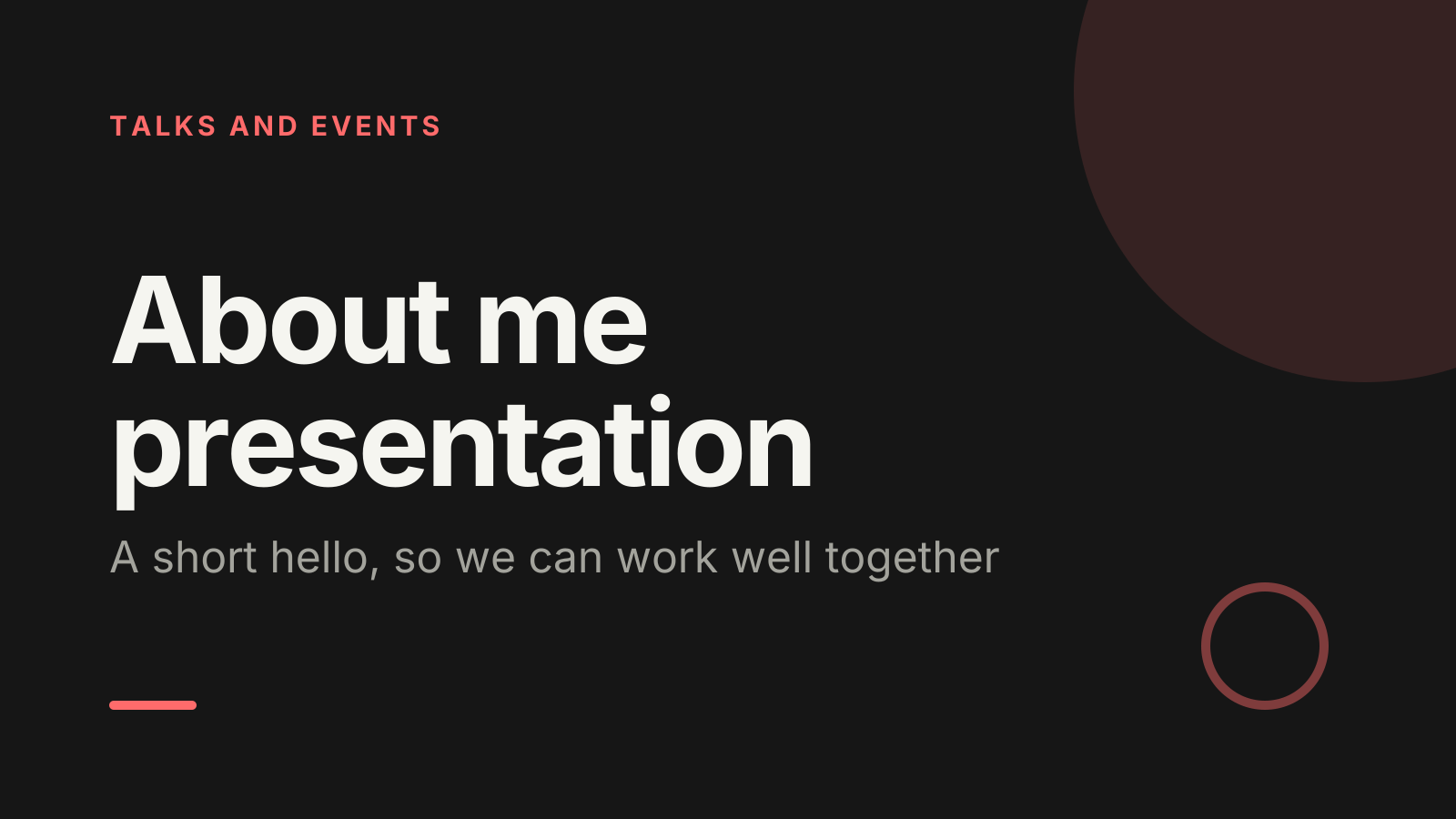
A free about me presentation PowerPoint template: 13 slides with speaker notes, a poll, a quiz and a volunteer pick. Edit it in PowerPoint or Google Slides, or run it live on Zoom, Meet, Teams or in the room.
Free, no sign-up. 13 slides, about 29 minutes, speaker notes on every slide. Opens in PowerPoint, Google Slides and Keynote.
What’s inside
- 1 · Welcome
 2 · Today
- 3 · PollPoll
What would you most like to know about me?
- AWhat I’ll be working on
- BHow I like to work
- CMy background
- DLife outside work
 4 · Section
- 5 · Who I am
Who I am
- 1Name, role and one lineSay your name, your role, and in one sentence what you’re here to do. For example: I’ll be looking after our customer onboarding.
- 2The path that led herePick two or three past steps that explain why you’re in this role. Skip the rest; nobody needs the full timeline.
- 3One thing outside workShare one hobby, place or habit with a photo. It gives people an easy first question at coffee or before a call.
- 6 · How I like to work
How I like to work
- 1When and how to reach meSay your usual hours and your preferred channel, such as message for quick things and a call for anything tricky.
- 2What I’m good atName two things people can come to you for, framed as help: I can review a plan or untangle a spreadsheet.
- 3What I’m still learningName one thing you’re new to, and who you might ask. It makes you approachable and shows you value their knowledge.
 7 · Discussion
- 8 · QuizQuiz
Two truths and a lie: which one is the lie?
- AMy first job was in a kitchen
- BI have never seen snowCorrect
- CI speak three languages
 9 · Key takeaways
- 10 · Pick a volunteerPick a volunteer
Ask me anything
Type ASK in the chat to be in the draw.
 11 · Next steps
 12 · Close
Show of hands, or everyone’s answer
The first poll works with hands up. Here’s the same question in a sample room of 12, answered live. Tap an answer to join in.
Show of hands
What would you most like to know about me?
About 3 hands go up, the same ones as always. You hear the loudest people, not the room.
Live in Claryoo · 0 of 12 answered
LiveWhat would you most like to know about me?
Your new group told you what they actually want to know, so you can spend the time there instead of walking through your CV. Run it live, free
What the session covers
1.Who I am
Name, role and one line
Say your name, your role, and in one sentence what you’re here to do. For example: I’ll be looking after our customer onboarding.
The path that led here
Pick two or three past steps that explain why you’re in this role. Skip the rest; nobody needs the full timeline.
One thing outside work
Share one hobby, place or habit with a photo. It gives people an easy first question at coffee or before a call.
2.How I like to work
When and how to reach me
Say your usual hours and your preferred channel, such as message for quick things and a call for anything tricky.
What I’m good at
Name two things people can come to you for, framed as help: I can review a plan or untangle a spreadsheet.
What I’m still learning
Name one thing you’re new to, and who you might ask. It makes you approachable and shows you value their knowledge.
How to run it, slide by slide
About 29 minutes in all. These notes come with the PowerPoint as speaker notes, so you see them while you present.
- 1Welcome1 min
“Hi everyone, I’m glad to finally meet you. I’ll keep this short and leave plenty of time for you.”
Say your name and role slowly. People forget names said quickly.
- 2Today1 min
“I’ll cover who I am, how I like to work, and then it’s over to your questions.”
Keep it moving. The agenda sets expectations that this will be brief.
- 3Poll2 min
“Before I talk about myself, what would you actually like to know?”
Spend most of your time on the top answer. If life outside work wins, lead with your personal slide.
- 4Section1 min
“So, nice to meet you. Here’s the short version.”
Smile and slow down. This is a conversation, not a pitch.
- 5Who I am5 min
“Here’s who I am and how I ended up here.”
Keep each point to about a minute. Show a photo for the personal point rather than describing it.
- 6How I like to work5 min
“Here’s a quick guide to working with me, so you don’t have to guess.”
Invite people to tell you their preferences too, later in the prompt step.
- 7Discussion4 min
“Now I’d like to learn about you. What’s one thing I should know about working with you?”
Go round the room briefly. Write down names and what they say; refer back to it in your first weeks.
- 8Quiz3 min
“Let’s play two truths and a lie. Which one do you think isn’t true?”
- 9Key takeaways1 min
“If you remember three things about me, make it these.”
Keep it to a sentence each.
- 10Pick a volunteer4 min
“I’d love your questions now. Anything goes.”
Answer briefly and honestly. If someone asks something you can’t answer yet, say so and promise to come back to them.
- 11Next steps1 min
“Here’s how we can keep the conversation going after today.”
Point to the 20-minute chat and say when you have time this week.
- 12Close1 min
“Thanks for having me. I’m really looking forward to working with you.”
Leave your contact details on screen while people leave.
Techniques that work in this session
From the facilitator playbook: step-by-step, with a short video. Swap one into the discussion slide.

About this about me presentation template
Introducing yourself to a new team, class or workshop group is awkward when it turns into a list of past jobs. This free about me presentation is for new starters, new managers, students and facilitators opening a session. It keeps the introduce yourself presentation short: who you are, how you like to work, and what you’ll focus on first.
It also asks the room. An opening poll shows what people most want to know about you, a two truths and a lie quiz breaks the ice, and a random pick chooses who asks the first question. Speaker notes give you suggested words and timings, and each about me slide tells you what to put on it.
When to use it
- Your first week in a new job or your first meeting with a new team
- Introducing yourself to a class, cohort or training group
- Opening a workshop where people need to trust you quickly
How to use it
- Download the PowerPoint. Every word is editable text, so add your name, your examples and your logo. For Google Slides, upload the file to Google Drive and open it with Google Slides. It also opens in Keynote.
- Read the first slide. It’s hidden when you present and lays out the session minute by minute. Each slide’s speaker notes say what to say, what to do and how long it takes.
- Run the polls your way. Hands up works in any room. To get everyone’s answer, anonymous when it matters, run the same deck live with Claryoo on a Zoom, Google Meet or Teams call, or in the room by QR code. Already edited your PowerPoint? Save it as a PDF and add it to your Claryoo deck.
More on live polls, quizzes and pick a volunteer, or spin the free wheel of names.