Claryoo
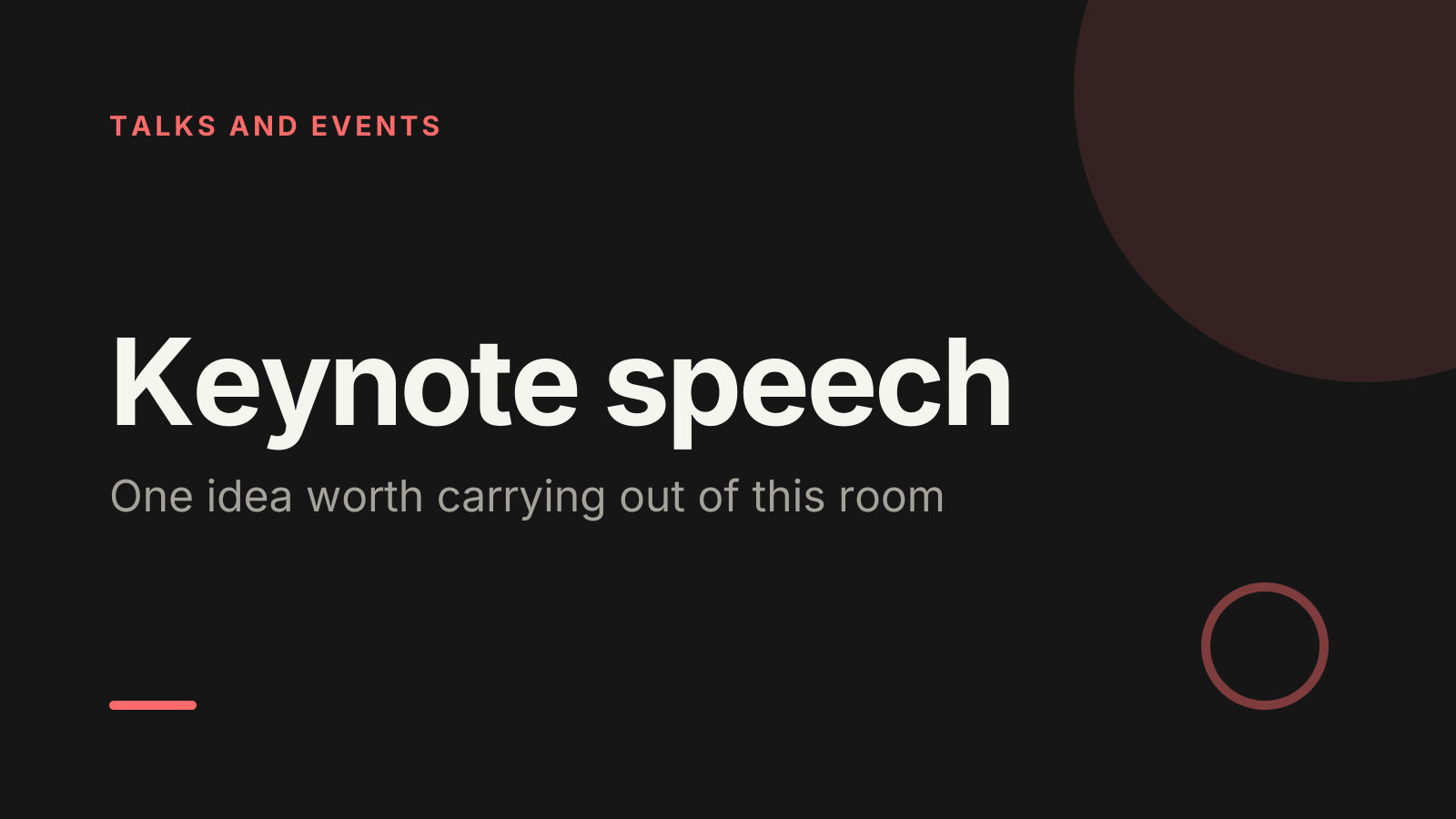
A keynote presentation template built around one big idea
A free keynote speech PowerPoint template: 13 slides with speaker notes, 2 polls and a volunteer pick. Edit it in PowerPoint or Google Slides, or run it live on Zoom, Meet, Teams or in the room.
Free, no sign-up. 13 slides, about 51 minutes, speaker notes on every slide. Opens in PowerPoint, Google Slides and Keynote.
What’s inside
- 1 · Welcome
 2 · Today
- 3 · PollPoll
What brought you to this talk today?
- AThe topic itself
- BA problem I’m facing now
- CCurious about the speaker
- DMy team sent me
 4 · Section
- 5 · The problem we all share
The problem we all share
- 1Open with one true momentStart with a scene: a person, a place, what went wrong. Keep it under two minutes and save your credentials for later.
- 2Name the cost plainlySay what the problem costs people in time, money or trust, using the words the room already uses for it.
- 3Show why it matters nowPoint to what has changed recently that makes the problem urgent, so the room leans in rather than nods along.
- 6 · The idea that changes it
The idea that changes it
- 1One sentence, said twiceState your idea in under fifteen words. Say it here and again at the close, word for word, so people can repeat it.
- 2Prove it with one exampleWalk through one real case from start to finish. One detailed example persuades more than five quick mentions.
- 3Answer the doubt out loudName the strongest objection before the room does, then answer it. It shows you have thought the idea through.
- 7 · What it looks like on Monday
What it looks like on Monday
- 1Make the first step smallGive one action people can take within a week, such as a question to ask in their next team meeting.
- 2Show a before and afterDescribe the same task with and without the idea, so people can picture the change in their own work.
- 3Leave a line they’ll repeatClose this part on a short phrase that sums up the idea. If people quote it in the hallway, the talk travelled.
 8 · Discussion
- 9 · PollPoll
Where does your team stand on this idea today?
- AAlready doing it
- BStarting to try it
- CTalking about it
- DNot on our radar
 10 · Key takeaways
- 11 · Pick a volunteerPick a volunteer
Ask the speaker a question
Type ASK in the chat to be in the draw.
 12 · Next steps
 13 · Close
Show of hands, or everyone’s answer
The first poll works with hands up. Here’s the same question in a sample room of 200, answered live. Tap an answer to join in.
Show of hands
What brought you to this talk today?
About 50 hands go up, the same ones as always. You hear the loudest people, not the room.
Live in Claryoo · 0 of 200 answered
LiveWhat brought you to this talk today?
Sixty people came with a problem to solve right now. A show of hands would only have shown you the keen front row. Run it live, free
What the session covers
1.The problem we all share
Open with one true moment
Start with a scene: a person, a place, what went wrong. Keep it under two minutes and save your credentials for later.
Name the cost plainly
Say what the problem costs people in time, money or trust, using the words the room already uses for it.
Show why it matters now
Point to what has changed recently that makes the problem urgent, so the room leans in rather than nods along.
2.The idea that changes it
One sentence, said twice
State your idea in under fifteen words. Say it here and again at the close, word for word, so people can repeat it.
Prove it with one example
Walk through one real case from start to finish. One detailed example persuades more than five quick mentions.
Answer the doubt out loud
Name the strongest objection before the room does, then answer it. It shows you have thought the idea through.
3.What it looks like on Monday
Make the first step small
Give one action people can take within a week, such as a question to ask in their next team meeting.
Show a before and after
Describe the same task with and without the idea, so people can picture the change in their own work.
Leave a line they’ll repeat
Close this part on a short phrase that sums up the idea. If people quote it in the hallway, the talk travelled.
How to run it, slide by slide
About 51 minutes in all. These notes come with the PowerPoint as speaker notes, so you see them while you present.
- 1Welcome2 min
“Thank you for having me. In the next forty minutes I want to leave you with one idea you can use straight away.”
Walk to the centre, pause, and make eye contact before you speak. Skip your bio if the host has already introduced you.
- 2Today1 min
“Here’s where we’re going: the problem, the idea, and what you can do about it on Monday.”
Keep this short. The agenda reassures people you have a plan, it isn’t the talk.
- 3Poll3 min
“Before I start, I’d like to know why you’re here. Pick the answer closest to the truth.”
Read the top answer aloud. If many came with a live problem, promise to make the Monday section practical and keep that promise.
- 4Section1 min
“So, the big idea. Let me show you why it matters, starting with a story.”
Pause on this slide for a breath. A quiet beat before the main part helps the room reset.
- 5The problem we all share7 min
“Let me start with a moment I think many of you will recognise.”
Tell the story without slides, then pause before naming the problem. Look at different parts of the room, not the screen.
- 6The idea that changes it10 min
“Here’s the idea in one sentence, and here’s what it looked like when someone tried it.”
Slow down on the one sentence and let it sit. If energy dips during the example, ask the room a quick question.
- 7What it looks like on Monday7 min
“Ideas are easy to agree with and hard to start. So let’s make the first step small.”
Be concrete: name a day, a meeting, a sentence to say. Avoid adding new ideas here; this is about one action.
- 8Discussion5 min
“Turn to the person next to you. Where would this idea make the biggest difference for you?”
Give two minutes, then invite two or three people to share. Pick from different parts of the room, not only the front.
- 9Poll3 min
“Let’s see where your teams stand on this today.”
If most say not on our radar, slow the next part down and spend more time on the first step. If many already do it, invite one to share what worked.
- 10Key takeaways2 min
“If you remember three things from today, make it these.”
Read each takeaway slowly and repeat your one-sentence idea word for word, exactly as you said it earlier.
- 11Pick a volunteer8 min
“Now it’s your turn. Who has a question for me?”
Repeat each question so the whole room hears it. Keep answers under a minute. If a question needs longer, offer to talk afterwards.
- 12Next steps1 min
“Before you leave, here are three things to do this week.”
Ask people to write their first step down now, while the idea is fresh.
- 13Close1 min
“Thank you. I’ll be around after this if you want to keep talking.”
End on time. Stay on stage for a moment, then step off to talk with people who come up.
Techniques that work in this session
From the facilitator playbook: step-by-step, with a short video. Swap one into the discussion slide.

About this keynote speech template
A keynote has one job: send a full room home with a single idea they can use. This free keynote presentation template is for conference speakers, founders and leaders opening an event. It follows a three-part keynote speech outline: the problem the room shares, the idea that changes it, and what that looks like on an ordinary Monday.
Each teaching slide comes with written guidance on what to put there, from opening with one true moment to naming the strongest objection out loud. Live polls ask why people came and where their team stands, and a random pick chooses who asks the first question. Speaker notes give you the words and timings for every slide.
When to use it
- Opening a conference, summit or company kickoff with a main stage talk
- Giving an invited talk where you have 30 to 45 minutes and one message
- Turning a long internal strategy deck into a talk people will remember
How to use it
- Download the PowerPoint. Every word is editable text, so add your name, your examples and your logo. For Google Slides, upload the file to Google Drive and open it with Google Slides. It also opens in Keynote.
- Read the first slide. It’s hidden when you present and lays out the session minute by minute. Each slide’s speaker notes say what to say, what to do and how long it takes.
- Run the polls your way. Hands up works in any room. To get everyone’s answer, anonymous when it matters, run the same deck live with Claryoo on a Zoom, Google Meet or Teams call, or in the room by QR code. Already edited your PowerPoint? Save it as a PDF and add it to your Claryoo deck.
More on live polls, quizzes and pick a volunteer, or spin the free wheel of names.