Claryoo
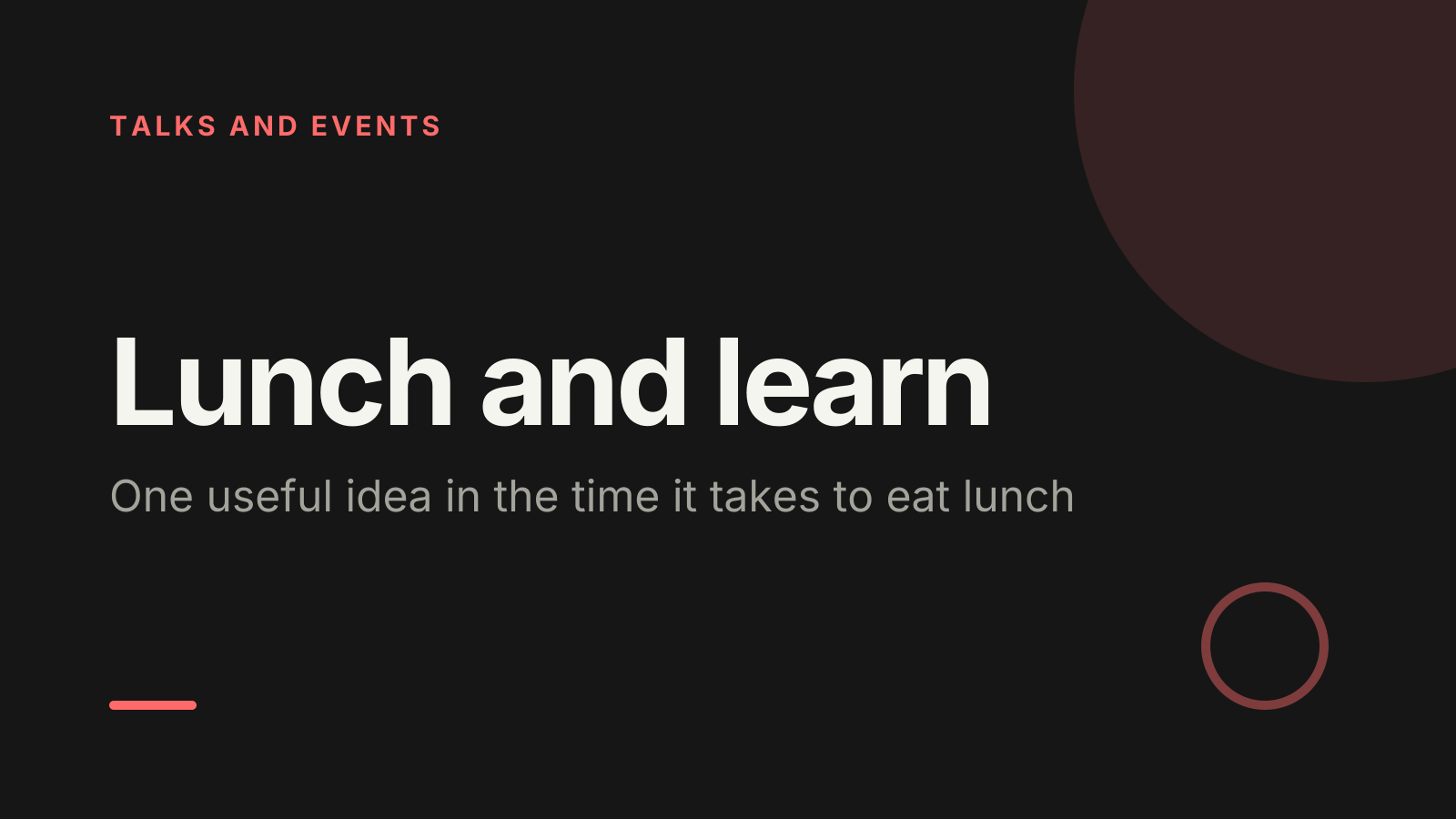
A lunch and learn presentation template that fits a 45-minute break
A free lunch and learn PowerPoint template: 13 slides with speaker notes, 3 polls. Edit it in PowerPoint or Google Slides, or run it live on Zoom, Meet, Teams or in the room.
Free, no sign-up. 13 slides, about 43 minutes, speaker notes on every slide. Opens in PowerPoint, Google Slides and Keynote.
What’s inside
- 1 · Welcome
 2 · Today
- 3 · PollPoll
How much do you know about today’s topic?
- ANothing yet
- BThe basics
- CI use it now and then
- DI could teach it
 4 · Section
- 5 · The idea in five minutes
The idea in five minutes
- 1Start with the frustrationOpen with a task everyone has struggled with. People listen harder when they recognise the problem from their own week.
- 2Define it in plain wordsExplain the idea as you would to a friend outside work. Swap every piece of jargon for an everyday word.
- 3Show where it fits herePoint to one real process or project in your organisation where this already applies, or could next month.
- 6 · How it works, with an example
How it works, with an example
- 1Walk one case end to endUse a real example from your own work and show each step on screen, rather than describing it from memory.
- 2One idea per slideKeep slides to a few words or one screenshot. People are eating, so they glance up rather than read.
- 3Name the common mistakeTell people the error most beginners make and how to spot it. It saves them a frustrating first week.
- 7 · Try it before you leave
Try it before you leave
- 1A five-minute taskGive a small exercise people can do on a laptop or paper now, such as rewriting one email using the method.
- 2Pair new with experiencedAsk people who already use it to sit with someone new for the exercise. Both tend to learn more that way.
- 3Share one resourcePoint to one guide, link or person to go to next. One good resource gets used; a list of ten rarely does.
 8 · Discussion
- 9 · PollPoll
Which part should I go deeper on?
- AWhy it matters
- BHow it works
- CA real example
- DCommon mistakes
 10 · Key takeaways
- 11 · PollPollAnonymous
Was this worth your lunch break?
- AYes, very
- BSomewhat
- CNot this time
 12 · Next steps
 13 · Close
Show of hands, or everyone’s answer
The first poll works with hands up. Here’s the same question in a sample room of 25, answered live. Tap an answer to join in.
Show of hands
How much do you know about today’s topic?
About 6 hands go up, the same ones as always. You hear the loudest people, not the room.
Live in Claryoo · 0 of 25 answered
LiveHow much do you know about today’s topic?
Eight people are starting from zero and two could teach it. Now you know who to pitch to, and who to pair them with. Run it live, free
What the session covers
1.The idea in five minutes
Start with the frustration
Open with a task everyone has struggled with. People listen harder when they recognise the problem from their own week.
Define it in plain words
Explain the idea as you would to a friend outside work. Swap every piece of jargon for an everyday word.
Show where it fits here
Point to one real process or project in your organisation where this already applies, or could next month.
2.How it works, with an example
Walk one case end to end
Use a real example from your own work and show each step on screen, rather than describing it from memory.
One idea per slide
Keep slides to a few words or one screenshot. People are eating, so they glance up rather than read.
Name the common mistake
Tell people the error most beginners make and how to spot it. It saves them a frustrating first week.
3.Try it before you leave
A five-minute task
Give a small exercise people can do on a laptop or paper now, such as rewriting one email using the method.
Pair new with experienced
Ask people who already use it to sit with someone new for the exercise. Both tend to learn more that way.
Share one resource
Point to one guide, link or person to go to next. One good resource gets used; a list of ten rarely does.
How to run it, slide by slide
About 43 minutes in all. These notes come with the PowerPoint as speaker notes, so you see them while you present.
- 1Welcome2 min
“Welcome, grab your food and get comfortable. In the next 45 minutes you’ll learn one thing you can use this afternoon.”
Start two minutes after the hour so people can settle with lunch, then start firmly.
- 2Today1 min
“First the idea, then a real example, then you’ll try it yourself.”
Promise to finish on time and keep that promise.
- 3Poll2 min
“Quick check before I begin: how much do you know about today’s topic?”
If most are new, define every term. If a few could teach it, ask them to help others during the exercise.
- 4Section1 min
“Let’s learn something. Keep eating; nothing here needs notes.”
Short slides from here, so people can eat and glance up.
- 5The idea in five minutes6 min
“Here’s the problem this solves, and the idea in plain words.”
Ask for a show of nods if the frustration sounds familiar. Keep the definition to one slide.
- 6How it works, with an example8 min
“Let me show you a real example, step by step.”
Demo live if you can, with a screenshot backup. Pause after each step for questions.
- 7Try it before you leave8 min
“Your turn. You have five minutes to try it on something real.”
Walk round and help. Share one good result with the room at the end.
- 8Discussion5 min
“Think about your own work. Where could you use this in the next week?”
Two minutes alone, then share with a neighbour. Take two examples aloud and connect them back to the idea.
- 9Poll2 min
“You choose: which part should I go deeper on?”
Spend the next few minutes on the winning option. If it’s common mistakes, show one live and how to fix it.
- 10Key takeaways1 min
“Three things to take back to your desk.”
Keep it to one breath each.
- 11Poll2 min
“Be honest, it helps me plan the next one: was this worth your lunch break?”
Thank people for the answers. If many say somewhat, ask one person what would have made it better.
- 12Next steps2 min
“Before you go, three small things to do this week.”
Share the resource link now, in the chat or on a printed card.
- 13Close3 min
“Thanks for spending your lunch with me. I’ll stay for a few minutes if you have questions.”
End on time. Answer remaining questions one to one, not in front of the whole room.
Techniques that work in this session
From the facilitator playbook: step-by-step, with a short video. Swap one into the discussion slide.

About this lunch and learn template
A lunch and learn works when people walk back to their desks able to do one new thing. This free lunch and learn presentation template is for team members sharing a skill, HR and L&D teams running a series, and anyone hosting a brown bag session. It follows a simple lunch and learn agenda: the idea, a real example, then a quick try.
Each teaching slide tells you what to put there and why, from starting with a shared frustration to naming the mistake beginners make. A first poll shows how much the room already knows, a second lets people choose where you go deeper, and an anonymous poll asks if it was worth the lunch break. Speaker notes keep you to time.
When to use it
- Sharing a tool, method or skill with colleagues over lunch
- Running a monthly learning series with a different host each time
- Teaching a mixed room where some are new and some already know it
How to use it
- Download the PowerPoint. Every word is editable text, so add your name, your examples and your logo. For Google Slides, upload the file to Google Drive and open it with Google Slides. It also opens in Keynote.
- Read the first slide. It’s hidden when you present and lays out the session minute by minute. Each slide’s speaker notes say what to say, what to do and how long it takes.
- Run the polls your way. Hands up works in any room. To get everyone’s answer, anonymous when it matters, run the same deck live with Claryoo on a Zoom, Google Meet or Teams call, or in the room by QR code. Already edited your PowerPoint? Save it as a PDF and add it to your Claryoo deck.
More on live polls, quizzes and pick a volunteer, or spin the free wheel of names.