Claryoo
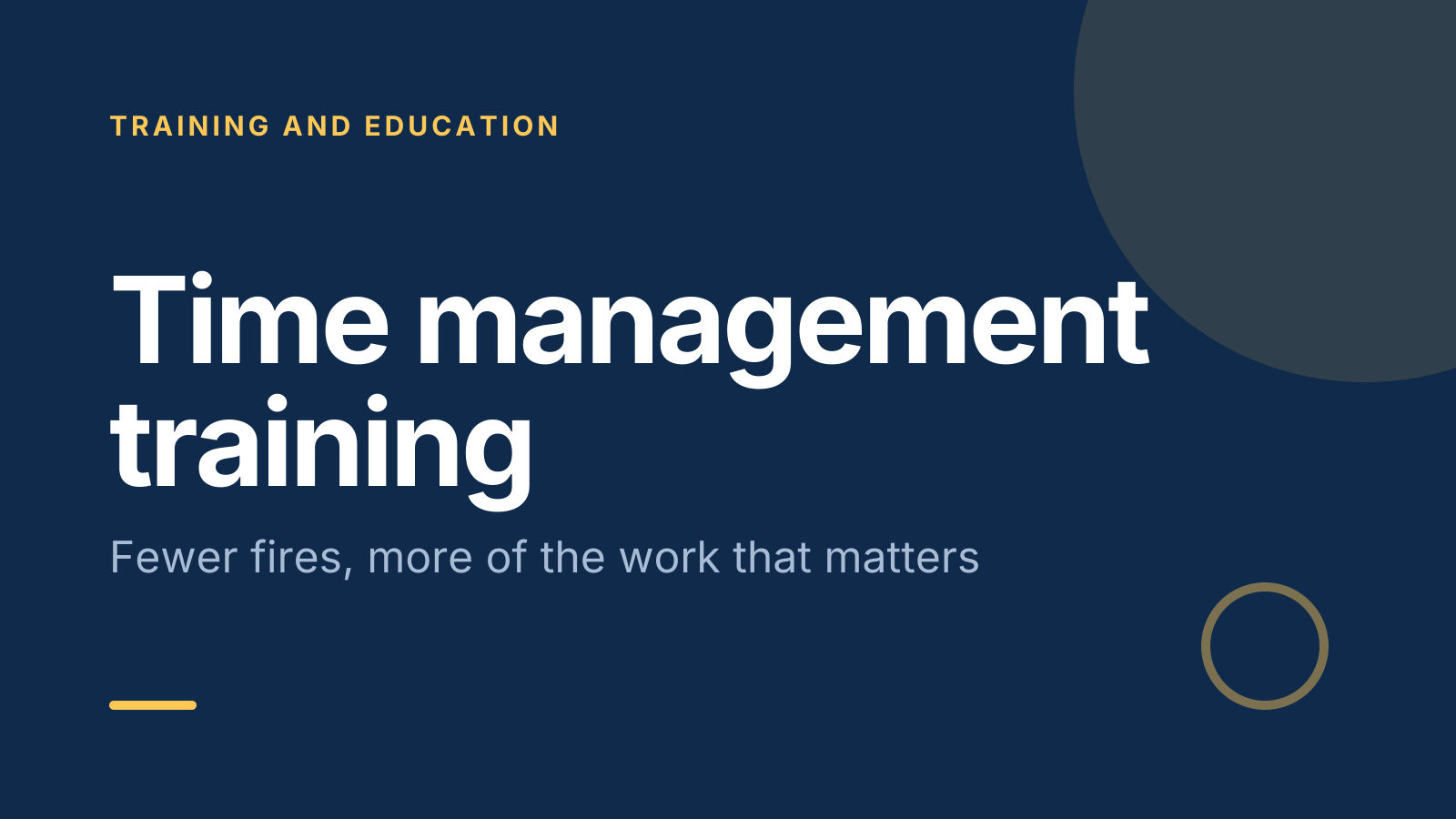
Time management training PPT your team will actually use
A free time management training PowerPoint template: 14 slides with speaker notes, 2 polls and a quiz. Edit it in PowerPoint or Google Slides, or run it live on Zoom, Meet, Teams or in the room.
Free, no sign-up. 14 slides, about 67 minutes, speaker notes on every slide. Opens in PowerPoint, Google Slides and Keynote.
What’s inside
- 1 · Welcome
 2 · Today
- 3 · PollPoll
What eats most of your working day?
- AMeetings
- BEmails and messages
- CInterruptions
- DUnclear priorities
 4 · Section
- 5 · Decide what matters first
Decide what matters first
- 1Urgent versus importantSort tasks by urgent and important. Book time for important work early, and question urgent asks that aren’t important.
- 2Pick three daily prioritiesBefore opening email, write the three outcomes that would make today a good day. Fit everything else around them.
- 3Plan tomorrow tonightSpend five minutes at the end of each day choosing tomorrow’s first task, so you start without having to decide.
- 6 · Protect time for focused work
Protect time for focused work
- 1Block it in the calendarBook 60 to 90 minute slots for focused work like a meeting. Name each block after the task, such as “Draft Q3 report”.
- 2Batch messagesCheck email and chat at set times, such as 10, 1 and 4, instead of all day. Mute alerts during focus blocks.
- 3Do one thing at a timeEvery switch costs time to refocus. Finish a piece, or reach a clear stopping point, before you move on.
- 7 · Handle the time thieves
Handle the time thieves
- 1Say not now, with a trade-off“I can do this Thursday, or drop the report to do it today. Which do you prefer?” It makes the cost visible.
- 2Use the two-minute ruleIf it takes under two minutes, do it now. Otherwise schedule it or write it down so it stops nagging you.
- 3Shrink the first stepTurn “write the report” into “outline the report in 30 minutes”. A small, clear start beats putting it off.
 8 · Discussion
- 9 · QuizQuiz
Which task is important but not urgent?
- AA phone call ringing now
- BPlanning next quarter’s trainingCorrect
- CA colleague’s quick question
- DToday’s system outage
 10 · Key takeaways
- 11 · PollPoll
Which habit will you try first?
- AThree daily priorities
- BBlocking focus time
- CBatching messages
- DThe two-minute rule
 12 · Next steps
 13 · Close
Show of hands, or everyone’s answer
The first poll works with hands up. Here’s the same question in a sample room of 20, answered live. Tap an answer to join in.
Show of hands
What eats most of your working day?
About 5 hands go up, the same ones as always. You hear the loudest people, not the room.
Live in Claryoo · 0 of 20 answered
LiveWhat eats most of your working day?
Messages and interruptions edge out meetings in this room. Now you know where to spend the most time. Run it live, free
What the session covers
1.Decide what matters first
Urgent versus important
Sort tasks by urgent and important. Book time for important work early, and question urgent asks that aren’t important.
Pick three daily priorities
Before opening email, write the three outcomes that would make today a good day. Fit everything else around them.
Plan tomorrow tonight
Spend five minutes at the end of each day choosing tomorrow’s first task, so you start without having to decide.
2.Protect time for focused work
Block it in the calendar
Book 60 to 90 minute slots for focused work like a meeting. Name each block after the task, such as “Draft Q3 report”.
Batch messages
Check email and chat at set times, such as 10, 1 and 4, instead of all day. Mute alerts during focus blocks.
Do one thing at a time
Every switch costs time to refocus. Finish a piece, or reach a clear stopping point, before you move on.
3.Handle the time thieves
Say not now, with a trade-off
“I can do this Thursday, or drop the report to do it today. Which do you prefer?” It makes the cost visible.
Use the two-minute rule
If it takes under two minutes, do it now. Otherwise schedule it or write it down so it stops nagging you.
Shrink the first step
Turn “write the report” into “outline the report in 30 minutes”. A small, clear start beats putting it off.
How to run it, slide by slide
About 67 minutes in all. These notes come with the PowerPoint as speaker notes, so you see them while you present.
- 1Welcome2 min
“Welcome. Nobody here needs more hours. We need more of our hours spent on the work that matters.”
Keep it light. Say the session ends with one habit each, not a long list.
- 2Today2 min
“First we’ll see where your time goes, then three habits to prioritise, focus and protect it, then you’ll pick one to try.”
Ask people to keep their calendar handy for the activity.
- 3Poll4 min
“Be honest. What eats most of your working day?”
Read out the top two answers. If unclear priorities scores high, that is a signal for managers in the room, so note it gently.
- 4Section1 min
“Three habits: decide what matters first, protect focus time, and handle the time thieves.”
Move straight into the first lesson.
- 5Decide what matters first10 min
“If you don’t choose your priorities, your inbox will choose them for you.”
Sketch the four-box grid and place two or three tasks from the room in it together.
- 6Protect time for focused work10 min
“Focused work rarely happens by accident. It happens when it has a slot in the calendar.”
Ask who already blocks time and what makes it hold. Note any team norms that would help, like quiet hours.
- 7Handle the time thieves10 min
“Most lost time comes in small pieces: a quick question here, a task we keep avoiding there.”
Have pairs practise the trade-off line on a real request they got this week.
- 8Discussion10 min
“Look at your week. Pick one task that keeps getting pushed back and work out why. Then compare with a partner.”
After 2 minutes alone and 5 in pairs, ask three people for the reason. Common answers map to the lessons, so point that out.
- 9Quiz4 min
“Quick check. Which of these is important but not urgent?”
- 10Key takeaways3 min
“Three things to keep: set priorities before email, block time for focus, and answer requests with a trade-off.”
Ask everyone which one they already do well. Most people have one.
- 11Poll3 min
“Now choose one habit to try for the next two weeks.”
Read the results. If the room picks the same habit, suggest pairing up to check in on it. Respect the quieter picks too.
- 12Next steps5 min
“Before you leave, open your calendar and do one thing: book a focus block or write tomorrow’s top three.”
Give two minutes to do it now. Doing it in the room is what makes it happen.
- 13Close3 min
“Thank you. Protect your best hours, and tell me in two weeks what changed.”
Take questions. Book a short follow up if the group wants one.
Techniques that work in this session
From the facilitator playbook: step-by-step, with a short video. Swap one into the discussion slide.

About this time management training template
Time management training often turns into a list of tips that nobody remembers on Monday. This free time management training PPT teaches three habits instead: deciding what matters before the inbox does, protecting time for focused work, and handling the requests and tasks that eat the day. Each point is a technique people can try the same week.
It suits managers, L&D teams and anyone running a 60 to 90 minute session for employees. An opening poll shows what eats your team’s time, a quiz checks the urgent versus important idea, and a closing poll has everyone choose one habit to try. The speaker notes give you the words, the timings and how to react to each answer.
When to use it
- Helping a busy team that keeps missing deadlines or working late
- Supporting new managers who now juggle their own work and their team’s
- Starting a new quarter or year with clearer priorities
How to use it
- Download the PowerPoint. Every word is editable text, so add your name, your examples and your logo. For Google Slides, upload the file to Google Drive and open it with Google Slides. It also opens in Keynote.
- Read the first slide. It’s hidden when you present and lays out the session minute by minute. Each slide’s speaker notes say what to say, what to do and how long it takes.
- Run the polls your way. Hands up works in any room. To get everyone’s answer, anonymous when it matters, run the same deck live with Claryoo on a Zoom, Google Meet or Teams call, or in the room by QR code. Already edited your PowerPoint? Save it as a PDF and add it to your Claryoo deck.
More on live polls, quizzes and pick a volunteer, or spin the free wheel of names.