Claryoo
A donor update presentation that tells the story donors came for
A free donor briefing template: 10 slides with 3 polls, ready to run on Zoom, Google Meet, Teams or in the room.
What’s inside
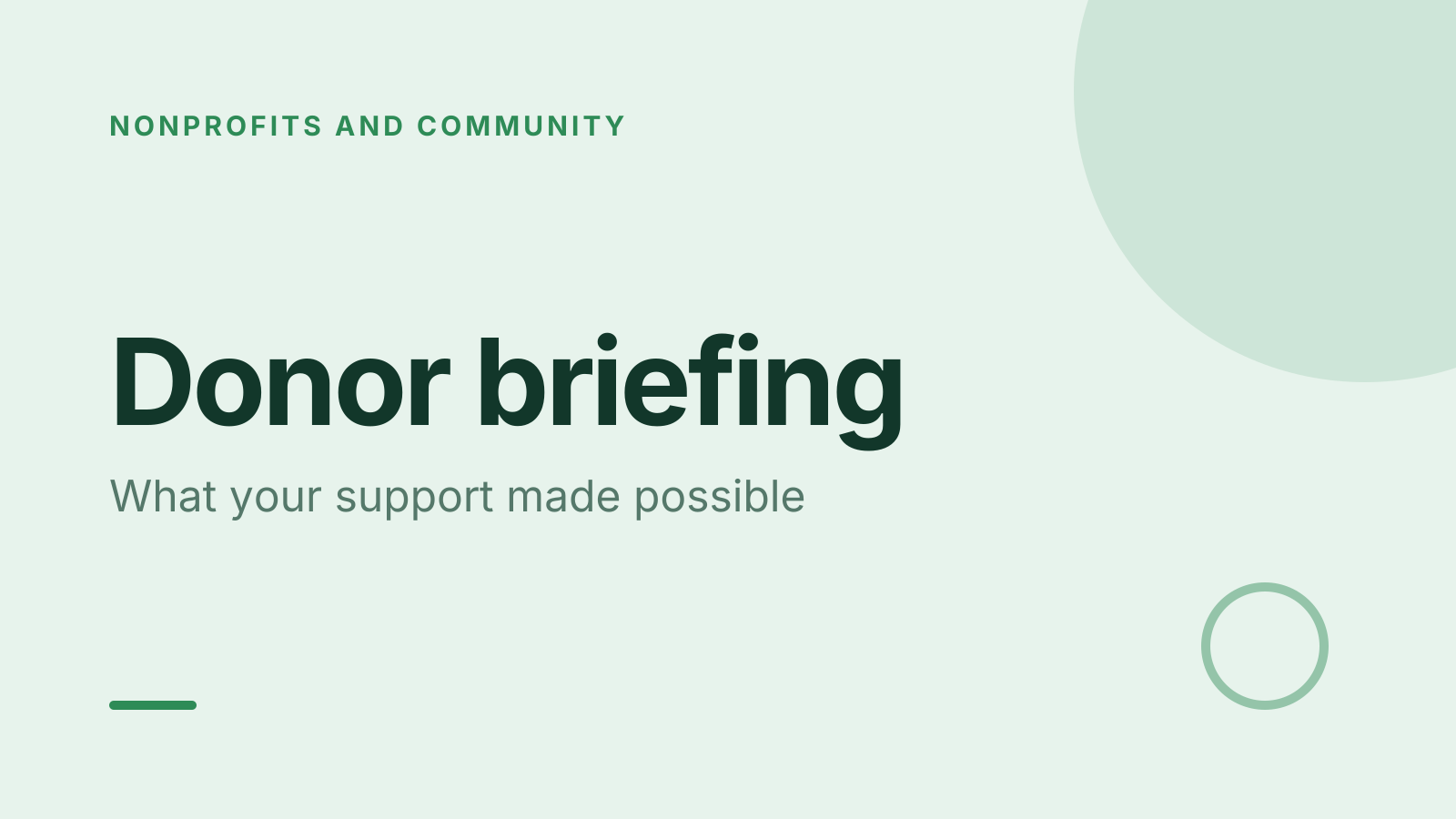
- 1 · Title slide
 2 · Agenda
- 3 · Live pollPoll
What do you want to hear about first?
- AImpact so far
- BStories from the field
- CWhere the money goes
- DWhat’s next
 4 · Section slide
 5 · Discussion prompt
- 6 · Live pollPollAnonymous
How connected do you feel to our work?
- AVery
- BSomewhat
- CNot yet
 7 · Key takeaways
- 8 · Live pollPoll
How would you like to help next?
- AGive again
- BVolunteer
- CIntroduce a friend
- DSpread the word
 9 · Next steps
 10 · Closing slide
About this donor briefing template
Donors want to see what their support made possible. This donor update presentation covers the impact so far, stories from the field, and what comes next. It works as a live companion to your donor impact report. The discussion slide asks which part of the work matters most to each donor, and why.
The first poll lets donors choose what to hear about first: impact, stories, where the money goes, or what’s next. An anonymous poll asks how connected they feel to your work. The last asks how they’d like to help, from giving again to introducing a friend. It suits fundraisers, charities and nonprofit leaders running donor engagement events.
When to use it
- Annual or quarterly donor briefings for a charity
- Nonprofit donor meetings online or at an event
- Inviting donors to take a next step before the session ends
How to use it
- Use this template. All 10 slides land in your Slides, free. Edit the text on any slide, change any question, or add your own slides from a PDF.
- Run it. On a Zoom, Google Meet or Teams call, people answer in the meeting chat. In a room, they scan a QR code and answer on their phones. No app for anyone.
- See the room. Results land live, only you see who’s gone quiet, and a summary is ready when it ends.
More on live polls, quizzes and pick a volunteer.