Claryoo
Public consultation meeting template that counts every resident
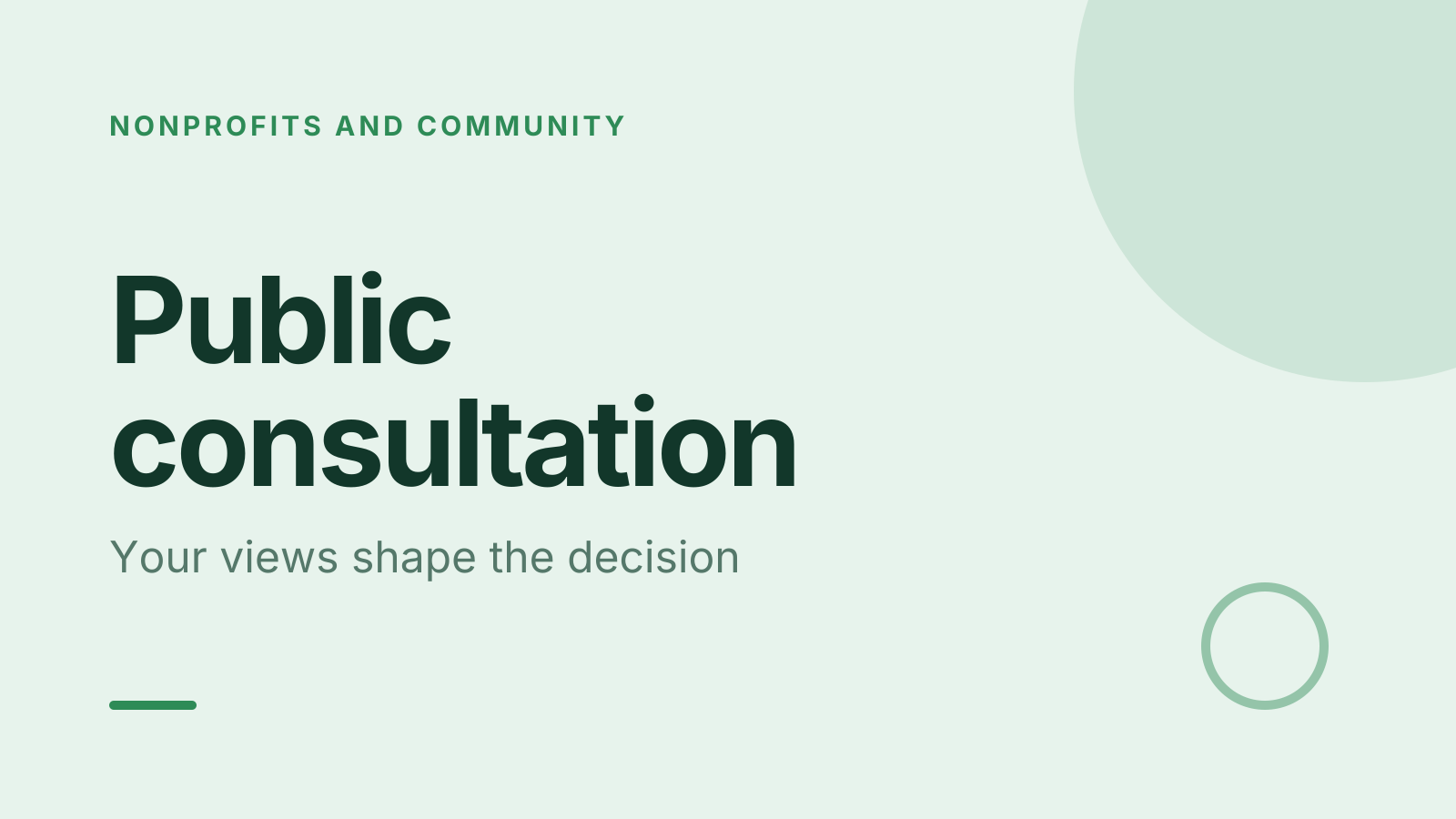
A free public consultation template: 10 slides with 3 polls, ready to run on Zoom, Google Meet, Teams or in the room.
What’s inside
- 1 · Title slide
 2 · Agenda
- 3 · Live pollPoll
How much do you know about the proposal?
- ANothing yet
- BThe basics
- CThe details
 4 · Section slide
 5 · Discussion prompt
- 6 · Live pollPollAnonymous
Where do you stand on it?
- ASupport
- BSupport with changes
- COppose
- DUndecided
 7 · Key takeaways
- 8 · Live pollPollPick up to 2
What matters most to you?
- ACost
- BImpact on my area
- CTimeline
- DEnvironment
 9 · Next steps
 10 · Closing slide
About this public consultation template
A consultation is only fair if quieter residents are counted alongside the confident ones. This public consultation meeting template sets out the proposal in brief, shows where people stand, and asks what matters most. The discussion slide asks what would make the proposal work better, which keeps the community consultation constructive.
The first poll checks how much people already know about the proposal. An anonymous poll then records where each person stands: support, support with changes, oppose or undecided. A final poll asks what matters most, such as cost, impact on my area or the environment. It suits councils, planners and anyone gathering resident feedback.
When to use it
- Public meetings on planning or development proposals
- Community consultation run by councils or housing groups
- Stakeholder engagement where you need a fair record of views
How to use it
- Use this template. All 10 slides land in your Slides, free. Edit the text on any slide, change any question, or add your own slides from a PDF.
- Run it. On a Zoom, Google Meet or Teams call, people answer in the meeting chat. In a room, they scan a QR code and answer on their phones. No app for anyone.
- See the room. Results land live, only you see who’s gone quiet, and a summary is ready when it ends.
More on live polls, quizzes and pick a volunteer.