Claryoo
Weekly team meeting agenda that spots blockers early
A free weekly team sync template: 10 slides with 2 polls and a volunteer pick, ready to run on Zoom, Google Meet, Teams or in the room.
What’s inside
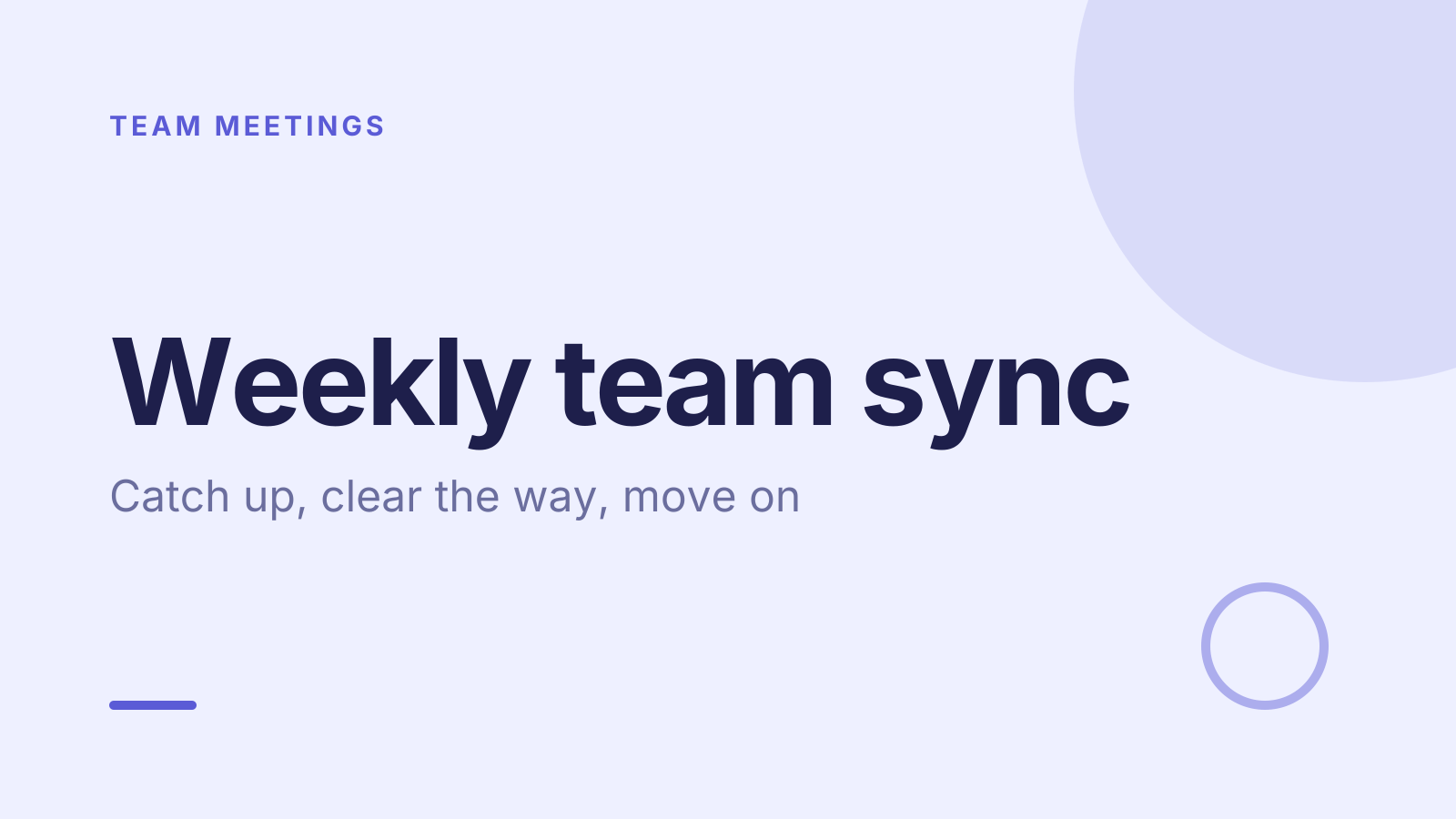
- 1 · Title slide
 2 · Agenda
- 3 · Live pollPollAnonymous
How was your week, honestly?
- ASmooth
- BBusy but fine
- CStuck on something
- DStretched thin
 4 · Section slide
 5 · Discussion prompt
- 6 · Live pollPoll
What’s the one thing slowing you down?
- AWaiting on another team
- BUnclear priorities
- CToo many meetings
- DNothing right now
 7 · Key takeaways
- 8 · Pick a volunteerPick a volunteer
Who shares a win from this week?
One person, picked at random from everyone here.
 9 · Next steps
 10 · Closing slide
About this weekly team sync template
A weekly sync should catch problems while they’re still small. This weekly team meeting agenda covers how the week went, what’s in the way, and wins and next steps. The discussion slide asks what’s blocking each person that someone in the room could help with, so blockers get cleared on the spot.
An anonymous team check-in asks how the week really went: smooth, busy but fine, stuck on something, or stretched thin. A second poll asks what’s slowing people down, such as waiting on another team or too many meetings. A random pick chooses who shares a win. It suits team leads and managers running a weekly sync.
When to use it
- A standing weekly sync for a small team
- Remote teams who need a quick, honest pulse
- Spotting people who are stretched thin before they burn out
How to use it
- Use this template. All 10 slides land in your Slides, free. Edit the text on any slide, change any question, or add your own slides from a PDF.
- Run it. On a Zoom, Google Meet or Teams call, people answer in the meeting chat. In a room, they scan a QR code and answer on their phones. No app for anyone.
- See the room. Results land live, only you see who’s gone quiet, and a summary is ready when it ends.
More on live polls, quizzes and pick a volunteer.