Claryoo
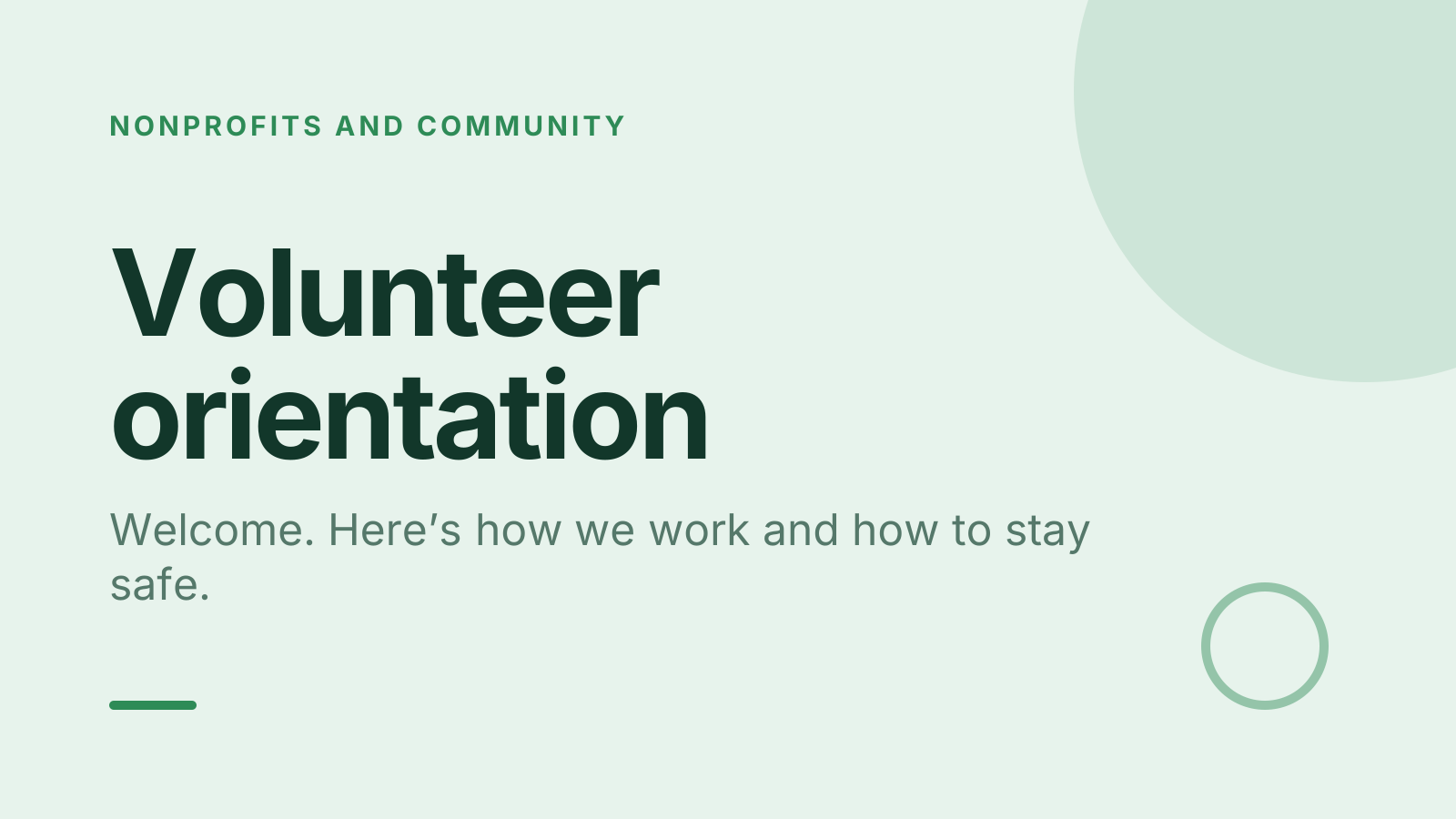
Volunteer orientation PPT that gets new volunteers ready
A free volunteer orientation PowerPoint template: 14 slides with speaker notes, 2 polls and a quiz. Edit it in PowerPoint or Google Slides, or run it live on Zoom, Meet, Teams or in the room.
Free, no sign-up. 14 slides, about 63 minutes, speaker notes on every slide. Opens in PowerPoint, Google Slides and Keynote.
What’s inside
- 1 · Welcome
 2 · Today
- 3 · PollPoll
What brought you to volunteer with us?
- AThe cause itself
- BMeeting new people
- CBuilding my skills
- DA friend asked me
 4 · Section
- 5 · Why we do this and where you fit
Why we do this and where you fit
- 1Our mission in one lineSay what we do, for whom and why in one sentence. Every role, from driving to admin, connects back to that sentence.
- 2Your role, clearlyEach role has a short description: what you do, what you don’t, and the hours. If a task isn’t on it, check before you take it on.
- 3Who you report toYou have one named contact for each shift. They are your first call for questions, problems or if you can’t make it.
- 6 · Staying safe and keeping others safe
Staying safe and keeping others safe
- 1If someone tells you somethingListen calmly, don’t ask probing questions and never promise to keep it secret. Tell the safeguarding lead the same day.
- 2Boundaries that protect youDon’t give out your personal number, lend money or meet people you support outside your shift. It keeps both of you safe.
- 3Accidents and hazardsKnow where the first aid kit and fire exits are. Report any accident or near miss to your shift lead before you leave.
- 7 · Your first shift, step by step
Your first shift, step by step
- 1Before you arriveCheck the rota, the address and what to wear. Bring any ID or documents your role needs, and arrive ten minutes early.
- 2On the daySign in when you arrive and sign out when you leave. Your shift lead will introduce you and pair you with someone experienced.
- 3If plans changeCan’t make it? Tell your contact as early as possible. Keep receipts for agreed expenses and claim them within the month.
 8 · Discussion
- 9 · QuizQuiz
Someone tells you something worrying about their safety. What do you do?
- APromise to keep it secret
- BAsk lots of questions
- CListen, then tell the leadCorrect
- DSort it out yourself
 10 · Key takeaways
- 11 · PollPollAnonymous
How ready do you feel for your first shift?
- AReady to go
- BMostly, a few questions
- CNot yet
 12 · Next steps
 13 · Close
Show of hands, or everyone’s answer
The first poll works with hands up. Here’s the same question in a sample room of 20, answered live. Tap an answer to join in.
Show of hands
What brought you to volunteer with us?
About 5 hands go up, the same ones as always. You hear the loudest people, not the room.
Live in Claryoo · 0 of 20 answered
LiveWhat brought you to volunteer with us?
You know why each new volunteer came, so you can match roles to motives from day one. Run it live, free
What the session covers
1.Why we do this and where you fit
Our mission in one line
Say what we do, for whom and why in one sentence. Every role, from driving to admin, connects back to that sentence.
Your role, clearly
Each role has a short description: what you do, what you don’t, and the hours. If a task isn’t on it, check before you take it on.
Who you report to
You have one named contact for each shift. They are your first call for questions, problems or if you can’t make it.
2.Staying safe and keeping others safe
If someone tells you something
Listen calmly, don’t ask probing questions and never promise to keep it secret. Tell the safeguarding lead the same day.
Boundaries that protect you
Don’t give out your personal number, lend money or meet people you support outside your shift. It keeps both of you safe.
Accidents and hazards
Know where the first aid kit and fire exits are. Report any accident or near miss to your shift lead before you leave.
3.Your first shift, step by step
Before you arrive
Check the rota, the address and what to wear. Bring any ID or documents your role needs, and arrive ten minutes early.
On the day
Sign in when you arrive and sign out when you leave. Your shift lead will introduce you and pair you with someone experienced.
If plans change
Can’t make it? Tell your contact as early as possible. Keep receipts for agreed expenses and claim them within the month.
How to run it, slide by slide
About 63 minutes in all. These notes come with the PowerPoint as speaker notes, so you see them while you present.
- 1Welcome2 min
“Welcome, and thank you for being here. Today is about getting you ready and comfortable for your first shift.”
Greet people by name as they arrive. Point out toilets, exits and when the break is.
- 2Today2 min
“We’ll cover who we are, your role and how to stay safe, then the details of your first shift.”
Say plainly that questions are welcome at any point.
- 3Poll4 min
“Before I say anything about us, I’d love to know what brought you here.”
Read the split aloud. If skills lead, mention roles that build them. If the cause leads, connect it to the mission slide next.
- 4Section1 min
“Let’s look at how volunteering works here, from the big picture down to your shift.”
Move straight into the first teaching slide.
- 5Why we do this and where you fit10 min
“Everything you do here connects to one simple purpose, so let me start there.”
Share a short real story of someone the organisation helped. Hand out role descriptions and give two minutes to read them.
- 6Staying safe and keeping others safe12 min
“This is the most important part of today, so we’ll take it slowly.”
Name the safeguarding lead and show their contact details. Walk through one example disclosure and what a good response sounds like.
- 7Your first shift, step by step8 min
“Let’s make your first shift feel familiar before you get there.”
Show the rota and sign-in sheet if you have them. Answer the practical worries collected earlier.
- 8Discussion8 min
“Think for a moment about what would make your first shift go well, then share it with the person next to you.”
Collect a few answers and note any practical worries, such as parking or what to wear, to answer before the end.
- 9Quiz4 min
“Here’s a quick check on what we just covered about safety.”
- 10Key takeaways3 min
“If you remember three things from today, make it these.”
Read each takeaway and link it to a real moment from a shift.
- 11Poll3 min
“Honestly, how ready do you feel for your first shift?”
Anyone who says not yet gets a follow up call this week. Say so out loud so nobody feels singled out.
- 12Next steps4 min
“Here’s what to do before your first shift.”
Help people book a shift now if you can. Share the lead’s number and where to find the policy.
- 13Close2 min
“Thank you for giving your time. We couldn’t do this work without you.”
Stay behind for questions and remind everyone who to contact.
Techniques that work in this session
From the facilitator playbook: step-by-step, with a short video. Swap one into the discussion slide.

About this volunteer orientation template
This volunteer orientation PPT is for volunteer coordinators, nonprofits and community groups welcoming a new intake. It runs about an hour and covers three things new volunteers need: why the work matters, how to act on a safety concern, and the practical details of a first shift, from signing in to claiming expenses.
Every slide comes with speaker notes that tell you what to say and how long to spend. An opening poll shows why people signed up, a short quiz checks they know what to do if someone discloses harm, and an anonymous poll at the end tells you who still needs a call before their first shift.
When to use it
- Welcoming a new group of volunteers before their first shift
- Refreshing safeguarding basics with volunteers who joined informally
- Running a monthly induction for a rolling volunteer intake
How to use it
- Download the PowerPoint. Every word is editable text, so add your name, your examples and your logo. For Google Slides, upload the file to Google Drive and open it with Google Slides. It also opens in Keynote.
- Read the first slide. It’s hidden when you present and lays out the session minute by minute. Each slide’s speaker notes say what to say, what to do and how long it takes.
- Run the polls your way. Hands up works in any room. To get everyone’s answer, anonymous when it matters, run the same deck live with Claryoo on a Zoom, Google Meet or Teams call, or in the room by QR code. Already edited your PowerPoint? Save it as a PDF and add it to your Claryoo deck.
More on live polls, quizzes and pick a volunteer, or spin the free wheel of names.