Claryoo
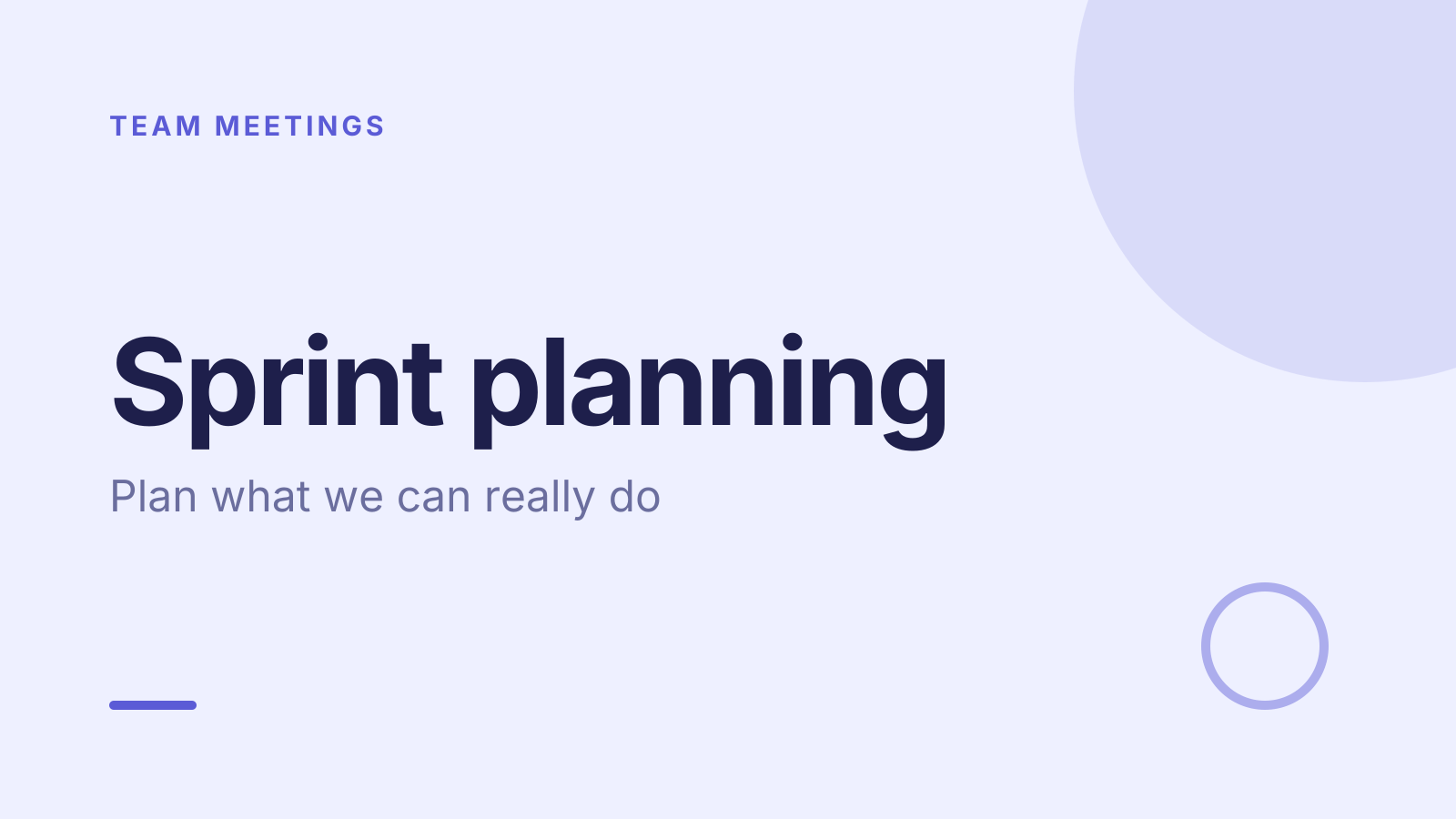
Sprint planning meeting template that plans for real capacity
A free sprint planning template: 10 slides with 3 polls, ready to run on Zoom, Google Meet, Teams or in the room.
What’s inside
- 1 · Title slide
 2 · Agenda
- 3 · Live pollPollAnonymous
How much time do you really have this sprint?
- AAll of it
- BMost of it
- CAbout half
- DVery little
 4 · Section slide
 5 · Discussion prompt
- 6 · Live pollPoll
How confident are you in the estimates?
- ASolid
- BRough guesses
- CNo idea yet
 7 · Key takeaways
- 8 · Live pollPoll
What do we cut if we run out of time?
- AThe nice-to-haves
- BCleanup work
- CThe riskiest item
- DNothing, we push
 9 · Next steps
 10 · Closing slide
About this sprint planning template
Sprint plans often fail before they start, because nobody checked how much time people really have. This sprint planning meeting template covers who has time, sizing the work, and agreeing what’s in and out. The discussion slide asks which piece of work is riskiest, so it gets attention early.
An anonymous poll asks how much time each person really has this sprint. A second poll checks confidence in the estimates, from solid to no idea yet. The last agrees what to cut if time runs out, such as the nice-to-haves. It suits scrum masters, engineering managers and product owners setting sprint scope.
When to use it
- The start of every sprint, after the review and retro
- Teams that often carry unfinished work into the next sprint
- Planning around holidays, on-call or other team capacity limits
How to use it
- Use this template. All 10 slides land in your Slides, free. Edit the text on any slide, change any question, or add your own slides from a PDF.
- Run it. On a Zoom, Google Meet or Teams call, people answer in the meeting chat. In a room, they scan a QR code and answer on their phones. No app for anyone.
- See the room. Results land live, only you see who’s gone quiet, and a summary is ready when it ends.
More on live polls, quizzes and pick a volunteer.