Claryoo
A policy update presentation that checks it really landed
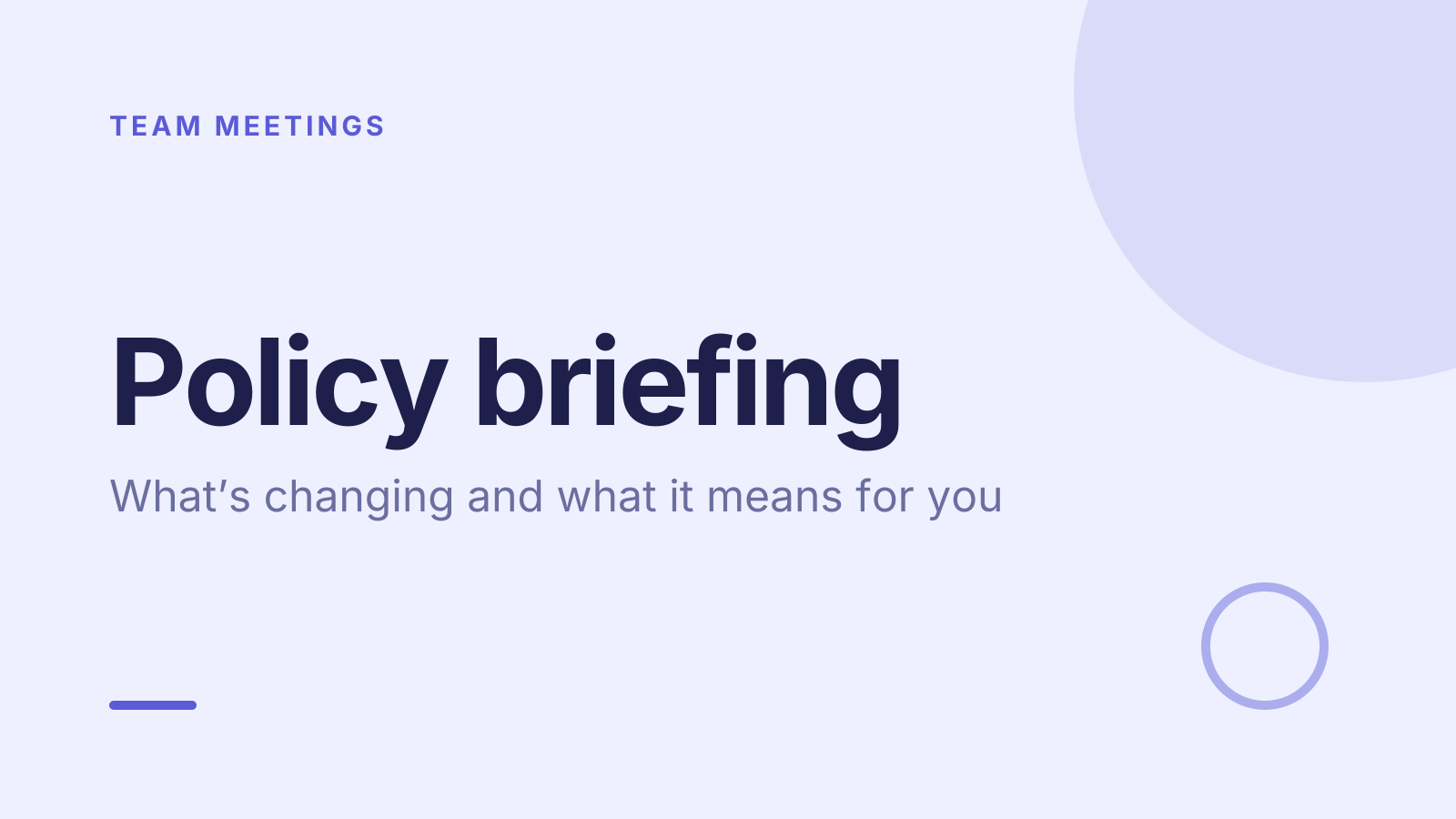
A free policy briefing template: 10 slides with 3 polls, ready to run on Zoom, Google Meet, Teams or in the room.
What’s inside
- 1 · Title slide
 2 · Agenda
- 3 · Live pollPollAnonymous
How much do you know about this change already?
- ANothing yet
- BHeard a bit
- CKnow the details
 4 · Section slide
 5 · Discussion prompt
- 6 · Live pollPollPick up to 2
What worries you most about it?
- AWhat changes for me
- BTiming
- CExtra work
- DNothing
 7 · Key takeaways
- 8 · Live pollPollAnonymous
How clear is it now?
- AClear
- BMostly
- CStill confused
 9 · Next steps
 10 · Closing slide
About this policy briefing template
When a policy changes, people want to know what it means for them. This policy update presentation covers what’s changing, what it means for you, and questions. The discussion slide asks which part of the change raises the most questions, so the briefing goes where people need it rather than reading the policy aloud.
An anonymous poll checks how much people already know, so you don’t repeat it or skip it. Next, people pick what worries them most, such as timing or extra work. A final anonymous poll asks how clear the change is now. It suits HR, operations and leaders running a policy briefing or employee announcement.
When to use it
- Introducing a new HR, travel or remote work policy
- Briefing staff on a regulatory or process change
- Checking understanding before a policy takes effect
How to use it
- Use this template. All 10 slides land in your Slides, free. Edit the text on any slide, change any question, or add your own slides from a PDF.
- Run it. On a Zoom, Google Meet or Teams call, people answer in the meeting chat. In a room, they scan a QR code and answer on their phones. No app for anyone.
- See the room. Results land live, only you see who’s gone quiet, and a summary is ready when it ends.
More on live polls, quizzes and pick a volunteer.