Claryoo
Post incident review template for a blameless postmortem
A free incident review template: 10 slides with 3 polls, ready to run on Zoom, Google Meet, Teams or in the room.
What’s inside
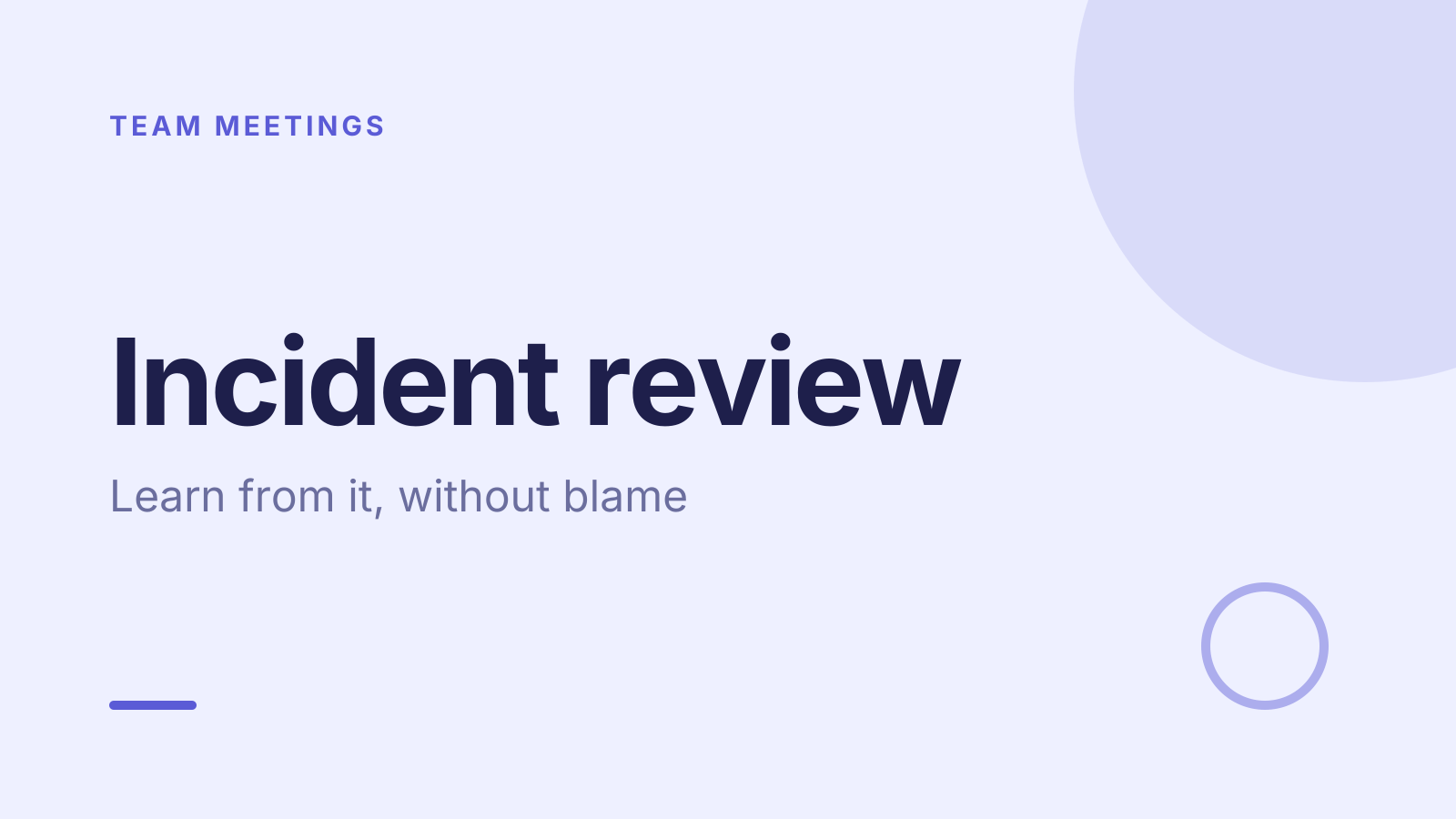
- 1 · Title slide
 2 · Agenda
- 3 · Live pollPollAnonymous
How did this incident feel from where you sat?
- AHandled well
- BMessy but OK
- CChaotic
 4 · Section slide
 5 · Discussion prompt
- 6 · Live pollPollPick up to 2
What slowed our response most?
- AFinding the right person
- BUnclear ownership
- CMissing alerts
- DSlow updates to customers
 7 · Key takeaways
- 8 · Live pollPoll
Which fix do we commit to first?
- AA clear on-call owner
- BBetter alerts
- CA customer update template
- DPractice runs
 9 · Next steps
 10 · Closing slide
About this incident review template
After an incident, the goal is to learn, not to find someone to blame. This post incident review template covers what happened, what slowed the response, and what to fix first. The discussion slide asks what one thing would have helped you spot it sooner, which keeps the postmortem meeting focused on systems.
An anonymous poll asks how the incident felt from where each person sat. The next poll asks what slowed the response most, such as unclear ownership or missing alerts. A final vote picks the first fix to commit to, such as a clear on-call owner. It suits SRE, engineering, IT and support teams running an incident retrospective.
When to use it
- Within a few days of resolving a production incident
- Reviewing an outage with engineering and support together
- Building a blameless culture where everyone feels safe to speak
How to use it
- Use this template. All 10 slides land in your Slides, free. Edit the text on any slide, change any question, or add your own slides from a PDF.
- Run it. On a Zoom, Google Meet or Teams call, people answer in the meeting chat. In a room, they scan a QR code and answer on their phones. No app for anyone.
- See the room. Results land live, only you see who’s gone quiet, and a summary is ready when it ends.
More on live polls, quizzes and pick a volunteer.