Claryoo
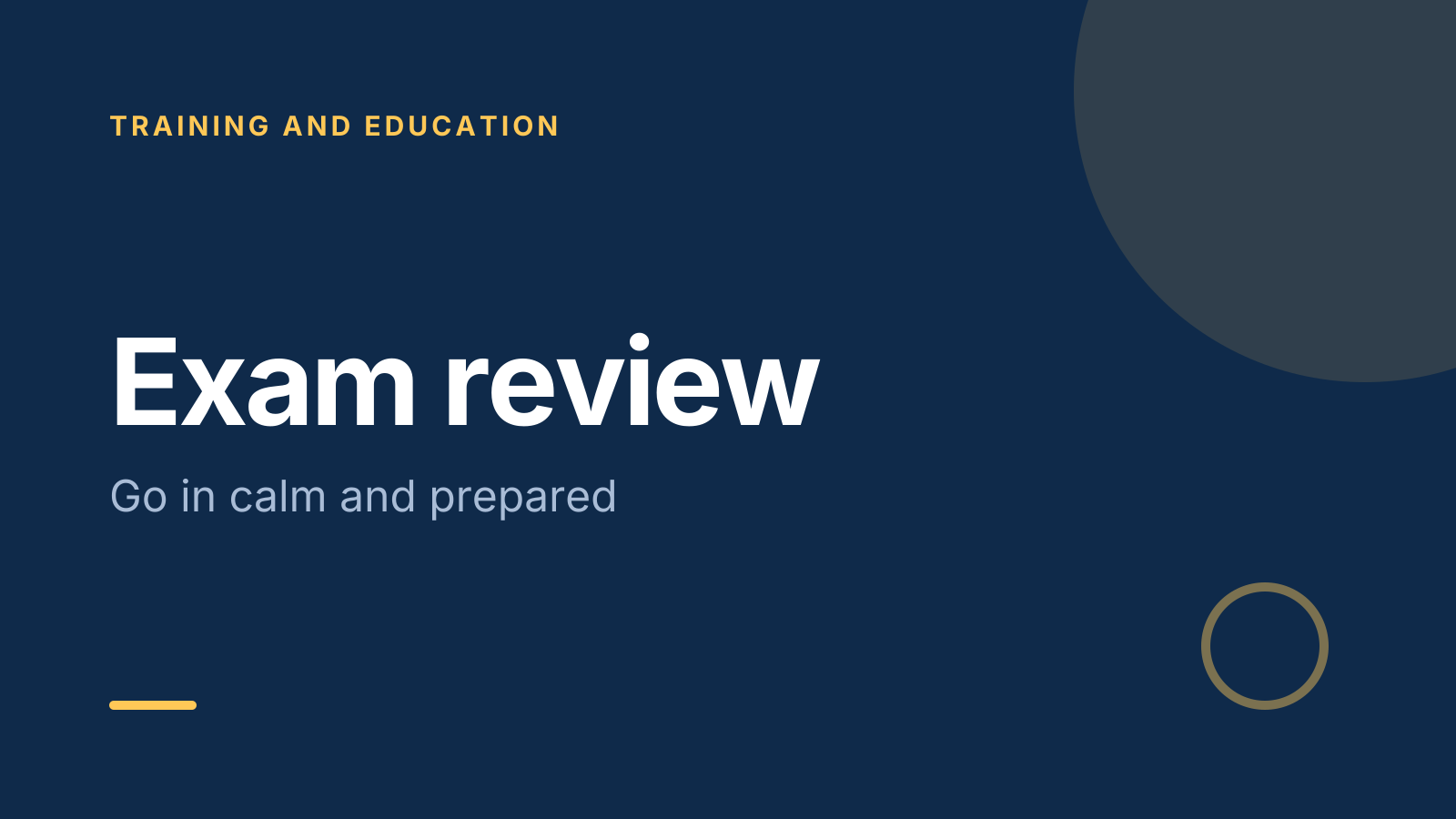
An exam review session template the class helps shape
A free exam review template: 10 slides with 2 polls and a quiz, ready to run on Zoom, Google Meet, Teams or in the room.
What’s inside
- 1 · Title slide
 2 · Agenda
- 3 · Live pollPollPick up to 2
What do you want to review most?
- AKey definitions
- BWorked problems
- CPast-paper questions
- DExam technique
 4 · Section slide
 5 · Discussion prompt
- 6 · Live quizQuiz
In a 90-minute exam worth 100 marks, how long should a 10-mark question take?
- AAbout 5 minutes
- BAbout 9 minutesCorrect
- CAbout 15 minutes
- DAs long as it takes
 7 · Key takeaways
- 8 · Live pollPollAnonymous
How ready do you feel now?
- AReady
- BNearly
- CNot yet
 9 · Next steps
 10 · Closing slide
About this exam review template
Revision time is short, so it should go where students need it most. This exam review session template covers what to review, practice and timing, and last tips before the exam. The discussion slide asks which topic students feel least ready for, which tells you where the rest of the revision session plan should go.
Students start by voting on what to review most, such as key definitions or past-paper questions. A quick quiz tests exam timing: how long should a 10-mark question take in a 90-minute, 100-mark paper? It ends with an anonymous poll on how ready students feel. It suits teachers, tutors and anyone running a test review activity.
When to use it
- The last class or two before a major exam
- Group tutoring sessions before tests
- Finding out which topics a class is worried about
How to use it
- Use this template. All 10 slides land in your Slides, free. Edit the text on any slide, change any question, or add your own slides from a PDF.
- Run it. On a Zoom, Google Meet or Teams call, people answer in the meeting chat. In a room, they scan a QR code and answer on their phones. No app for anyone.
- See the room. Results land live, only you see who’s gone quiet, and a summary is ready when it ends.
More on live polls, quizzes and pick a volunteer.