Claryoo
Change management presentation template that checks real readiness
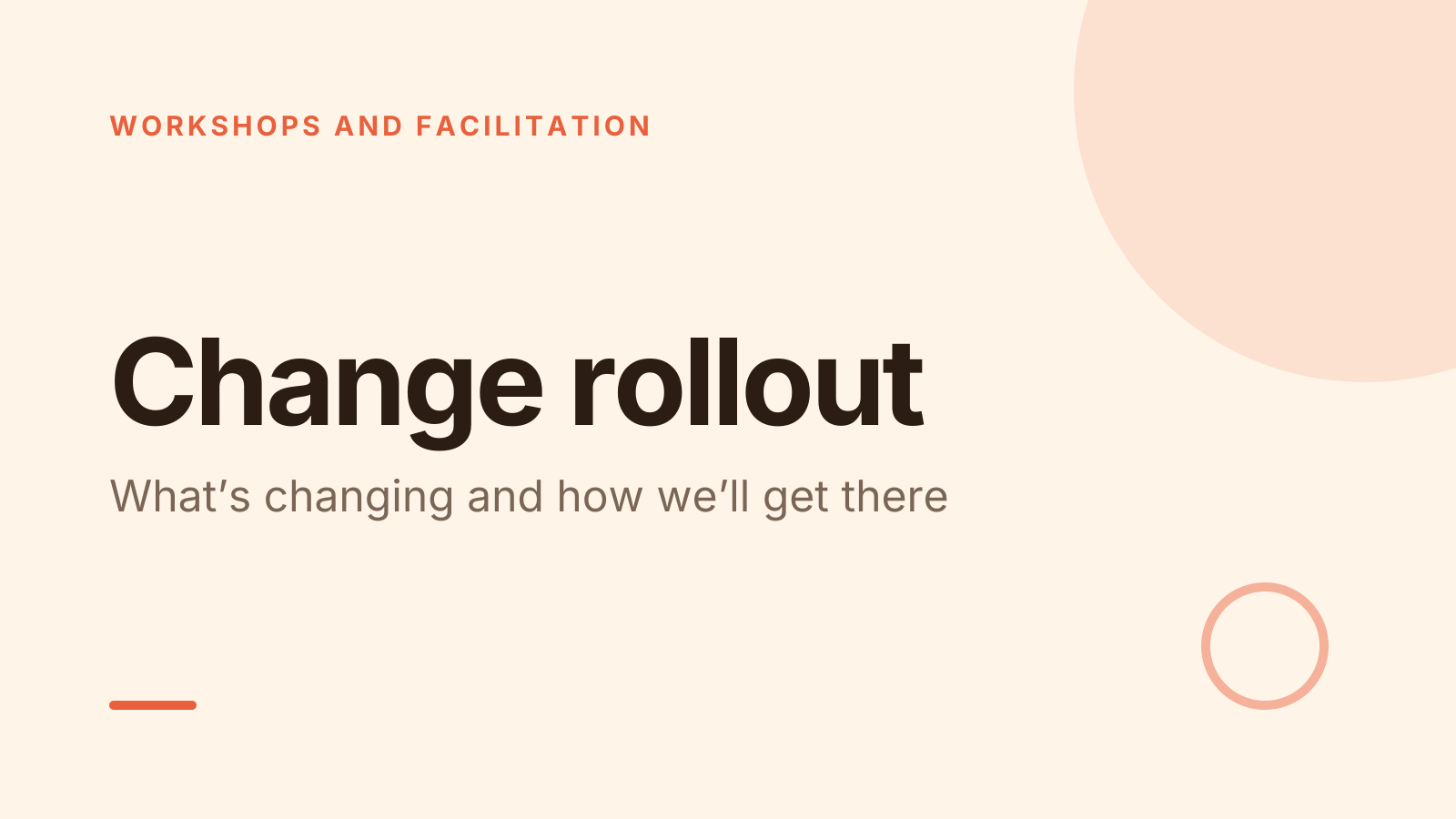
A free change rollout template: 10 slides with 3 polls, ready to run on Zoom, Google Meet, Teams or in the room.
What’s inside
- 1 · Title slide
 2 · Agenda
- 3 · Live pollPollAnonymous
How do you feel about this change?
- AFor it
- BOpen to it
- CUnsure
- DAgainst it
 4 · Section slide
 5 · Discussion prompt
- 6 · Live pollPollPick up to 2
What would help you most?
- ATraining
- BA clear timeline
- CSomeone to ask
- DTime to adjust
 7 · Key takeaways
- 8 · Live pollPollAnonymous
How ready are you now?
- AReady
- BAlmost
- CNot yet
 9 · Next steps
 10 · Closing slide
About this change rollout template
Announcing a change is easy. Knowing whether people are on board is the hard part. This change management presentation template explains what’s changing and why, the support on offer, and the timeline. The discussion slide asks people what worries them most, which is the question good change communication can’t skip.
Two anonymous polls work like a short change readiness survey. The first asks whether people are for it, open to it, unsure or against it. The second, at the end, asks how ready they feel now. In between, people pick the help they want, such as training or a clear timeline. It suits HR teams, managers and change leads.
When to use it
- Rolling out a new tool, process or structure to a team
- Announcing a reorganisation where people may not speak up
- Measuring readiness before and after you explain the change
How to use it
- Use this template. All 10 slides land in your Slides, free. Edit the text on any slide, change any question, or add your own slides from a PDF.
- Run it. On a Zoom, Google Meet or Teams call, people answer in the meeting chat. In a room, they scan a QR code and answer on their phones. No app for anyone.
- See the room. Results land live, only you see who’s gone quiet, and a summary is ready when it ends.
More on live polls, quizzes and pick a volunteer.