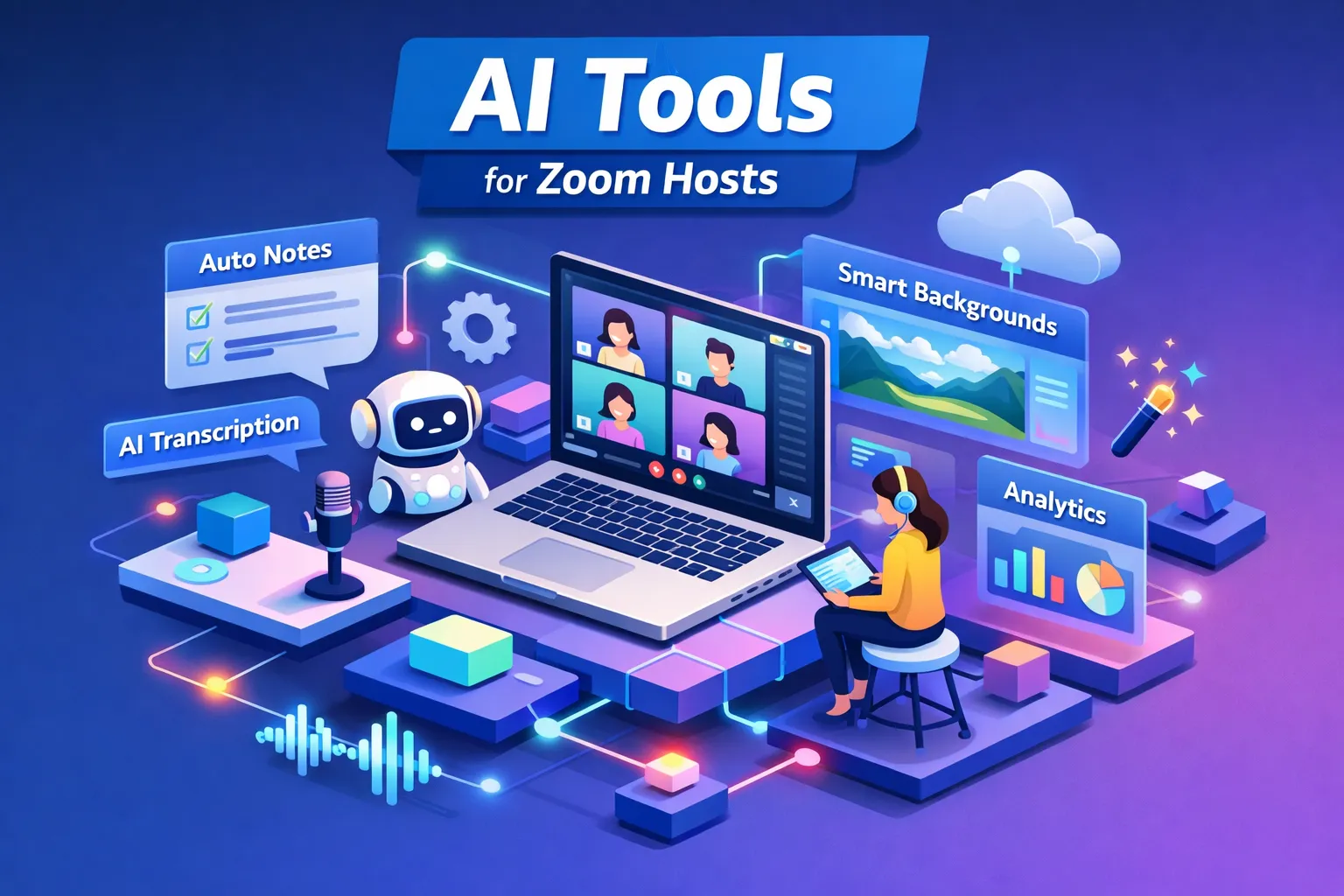
The best AI tool for a Zoom host depends less on ratings than on when you need help. Picture the end of a call: someone left confused, three action items vanished into chat, and your notes are a paragraph typed with one hand. Most hosts are trying to fix that, and transcription quality is only part of it.
Most AI meeting assistants work after the call. They transcribe, summarize and email structured notes once everyone has left. That suits some hosts. For people running workshops, training sessions or keynotes, the part that matters is while the meeting is live.
This guide compares the main AI tools for Zoom hosts in 2026 on timing, transcription, pricing and compliance. Claryoo is included as the one that works during the call instead of reconstructing it afterwards.
The tools at a glance
Prices and limits below are the ones covered in this guide. Vendors change plans often, so check their pricing pages before you buy.
| Tool | Helps during or after the call | Free plan | Paid plans from | Stands out for |
|---|---|---|---|---|
| Otter.ai | After, with a live transcript participants can see | 300 minutes a month, 30 minutes per meeting | $8.33 per user a month (annual) | A live written record |
| Fireflies | After | Not covered here | Not covered here | CRM integrations, sentiment and talk-ratio reports |
| Fathom | After | Unlimited recordings, limited AI note history | Not covered here | The most generous free recording tier |
| MeetGeek | After | 3 hours of transcription a month | Not covered here | 60+ languages, async teams |
 Zoom AI Companion Zoom AI Companion | After, with basic live help | Included on paid Zoom Workplace plans | $13.33 per user a month (Zoom Workplace) | No extra install |
| Fellow | After | Not covered here | $7 per user a month | Botless capture, project workflows |
| Read.ai | After | Not covered here | Not covered here | Compliance coverage |
 Claryoo Claryoo | During | 2 session hours a month | $19 a month for 8 hours, billed by hours not seats | Polls, quizzes and a question board inside the call |
What to look for before picking a Zoom AI assistant
Real-time support or post-meeting cleanup
Most tools process the meeting after it ends. You get a clean transcript, a summary and action items to review in ten minutes, which is enough for a solo host with a light calendar. If you're running a 60-person onboarding session, a live demo or a sensitive client call, the debrief comes too late. Real-time tools show you confusion, unanswered questions and quiet attendees while you can still act. We explain the difference in more detail in AI co-host vs note-taker.
Transcription accuracy and languages
Accuracy varies more than vendor pages suggest. Zoom AI Companion has a low word error rate on Zoom-native recordings in English, Spanish, French and Japanese, but drops to 71 to 77% accuracy on accented speech, according to Zoom's 2025 evaluation. That is Zoom's own testing, so treat it as directional. Every tool here loses accuracy with background noise or people talking over each other, so test on your own audio. If your team is multilingual, check language support first.
Who sees the output, and when
Every AI meeting tool records or processes audio. What differs is who sees the result. Some tools show a live transcript to everyone. Others send follow-ups without the host reviewing them. On client, healthcare or enterprise calls those defaults matter, so check sharing settings, send controls and published certifications before you commit.
Post-meeting note-takers
These are the most widely used third-party note-takers for Zoom. They join through a bot or a Marketplace app and send a summary when the meeting ends.
Otter.ai
Otter.ai shows a real-time transcript to participants and syncs with Zoom natively, which suits teams that want a live written record. The free plan gives 300 minutes a month with a 30-minute cap per meeting, and paid plans start at $8.33 per user a month on annual billing. See how it compares on Claryoo vs Otter.
Fireflies
Fireflies has the strongest CRM integrations of the group, connecting to Salesforce, HubSpot and 50+ other apps. Its post-meeting report includes sentiment analysis and talk-ratio metrics. Comparison: Claryoo vs Fireflies.
Fathom
Fathom offers unlimited free recordings with limited AI note history, which makes it a practical starting point on a tight budget. Check its transcription on your own calls before relying on it for exact quotes.
MeetGeek
MeetGeek supports 60+ languages and works well for distributed teams that rely on async workflows. Free users get 3 hours of transcription a month.
Across this group, paid tiers run from $8.33 to $20.83 per user a month on annual billing, and enterprise plans are custom-priced through sales.
Where they fall short
The limit is timing. A trainer reads the transcript after a session and finds a question a learner asked halfway through. Nobody answered it, and half the room fell behind from that point. By the time the transcript arrives, that learner has moved on. Post-meeting tools record what happened well. They can't help with what is happening now.
Call ended · moments ago
AdvancingLeadership offsite, day one
Decided
Keeping our best people is the top goal for next year.
You owe · next steps
Built-in and native options
Zoom AI Companion
Zoom AI Companion is built into Zoom Workplace at no extra cost on paid plans, which start at $13.33 per user a month. There's nothing to install. It produces post-meeting summaries and action items and offers basic live help. Its main gaps are speaker labelling on large calls, summaries that only the host sees by default, and no live participant engagement data. Otter has published its own comparison of OtterPilot and Zoom AI Companion if you want a second view.
Fellow
Fellow connects to Zoom through botless native capture or a regular bot, so it works across waiting room setups. It integrates with 50+ tools including Salesforce and Asana, which suits teams with a structured project workflow. Like the note-takers, it works after the call. Plans start at $7 per user a month, and Fellow holds SOC 2 Type 2 and HIPAA BAA certifications. Fellow's guide to AI meeting assistants for Zoom covers its Zoom setup.
Claryoo: help during the call
Claryoo is an AI co-host for live sessions. On Zoom, Google Meet or Microsoft Teams it joins the call as a participant. People answer polls and quizzes by typing a letter in the meeting chat, so there's no link, code or second screen.
While you talk, you privately see who is engaged, who has gone quiet and which question has waited longest. Every question from chat and voice goes on one board, so a question asked at minute 12 doesn't get lost by minute 40. Pick a volunteer draws a random name, and people can opt in with a chat keyword. You can add slides from a PDF with polls and quizzes between them.
The room
Live12 of 14 with you
- Energy Up since the poll
- Quiet Priya hasn’t said a word since the break
When the session ends you get what was decided, follow-ups by name and the poll and quiz results. It also works in person: people scan a QR code and answer on their phones, and can tap Got it, Lost me, Too fast or Example please.
It is built for hosts where timing matters: facilitators running client workshops, trainers checking understanding during onboarding or compliance sessions, nonprofits running member calls, and speakers giving keynotes. It doesn't make word clouds and isn't a slide-design tool. The Free plan includes 2 session hours a month, Starter is $19 a month for 8 hours and Pro is $39 a month for 25 hours. Participants never pay. See pricing.
Security and compliance
If you handle sensitive conversations, check certifications before anything else.
| Tool | SOC 2 Type 2 | HIPAA with BAA | Other |
|---|---|---|---|
| Fireflies | Yes | Yes | GDPR, EU/US data residency, zero-day retention option |
| Read.ai | Yes | Yes | |
| Fellow | Yes | Yes | |
| Microsoft Copilot | SOC 2 | Yes | ISO 27001, FedRAMP |
| Otter.ai | Not covered here | Yes, Enterprise plans (since July 2025) |
At the time of writing, Sembly.ai and Supernormal were still working towards SOC 2, so check their current status before using them in regulated work.
Defaults matter as much as certificates. A tool that shows live transcripts to everyone, or sends summaries automatically, creates a data-sharing event your legal team may not have approved. Check who sees what during and after the call. Read.ai's own roundup and our Claryoo vs Read.ai page cover how its sharing works.
Matching the tool to your Zoom calls
| Your situation | Start with |
|---|---|
| Internal meetings, you mainly need notes, small budget | Fathom (free unlimited recordings) or Otter.ai's free plan |
| Already paying for Zoom Workplace | Zoom AI Companion, at no extra cost |
| Sales team that lives in the CRM | Fireflies |
| Multilingual or async team | MeetGeek |
| Regulated or compliance-sensitive calls | Fireflies, Read.ai or Fellow, after checking certifications |
| Workshops, training, keynotes where you need help during the call | Claryoo |
Before your first call with any of these, check four things. Make sure the tool joins automatically through calendar sync. Confirm its default sharing settings match what you expect, especially on client calls. Run a two-minute test call to hear how it handles your audio. Then set a reminder to review action items within 30 minutes of the call ending.
Want to try help during the call instead of after it? Start free, no card needed.
Want a co-host in your next session?
Claryoo joins your Zoom, Google Meet or Teams call, runs polls people answer in the chat, and writes up what was decided.
Start freeFree plan. No card needed.