 Claryoo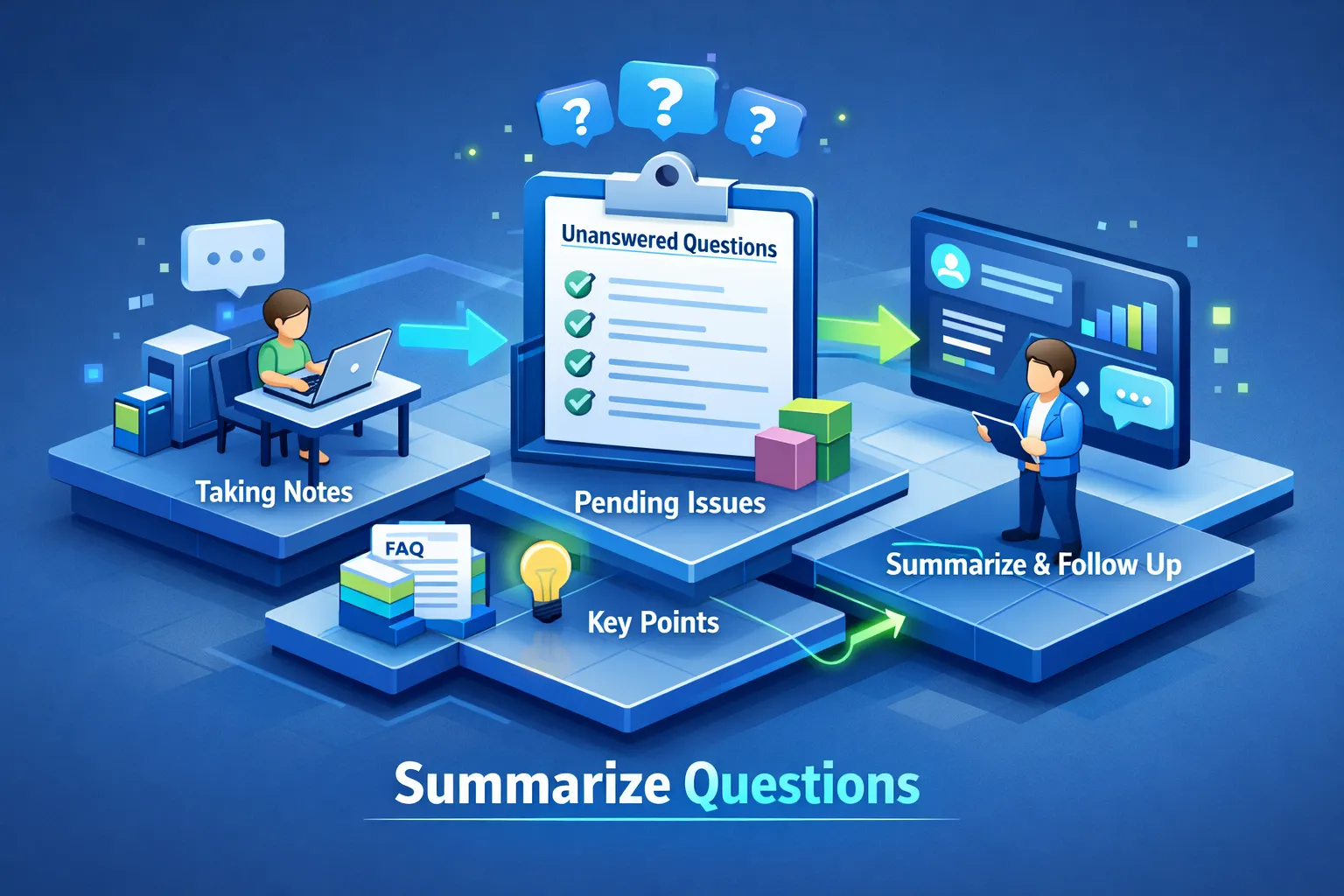
You just ended a Zoom call. Three people asked questions that never got answered, and now you're trying to reconstruct what happened 40 minutes ago while the details fade. Most hosts rely on memory, a chat log or a recording they never rewatch, then send a vague follow-up email.
The best way to summarize unanswered questions after a Zoom call is to capture them while the call is still live. Below are the three methods hosts use (manual, AI-assisted and real-time) and what each one costs you.
Why questions get lost
The chat log and the auto-generated transcript don't capture everything that matters. Questions typed in chat overlap with live discussion, and people type and speak at the same time, so the two streams rarely line up. Even a clean transcript doesn't tell you which questions got a full answer, a partial one or none.
When a host defers a question without logging it, it usually doesn't make it into the recap. For a facilitator, that can mean a decision nobody owns. For an L&D manager running compliance training, a skipped question is a real liability.
The three methods compared
| Method | Cost | Time after a 60-minute call | Catches spoken questions | Knows what was answered | Best for |
|---|---|---|---|---|---|
| Manual chat export and transcript scan | Free | 20 to 40 minutes or more | Only if you have a transcript | No, you judge it | Occasional, low-stakes calls |
| AI summary of the transcript | Free to low | A few minutes plus review | Yes, from the transcript | Partly, often misclassifies | Regular calls with a review step |
| Real-time capture during the call | Paid tool | Ready when the call ends | Yes | Yes, tracked live | Client workshops, training, keynotes |
Method 1: manual chat export and transcript scan
Zoom lets hosts download the in-meeting chat log from the recording page after the call. For a transcript you need a paid Zoom account with cloud recording and audio transcription turned on. The free workaround is to upload your local recording to YouTube as an unlisted video, wait for auto-captions, then download the caption file and convert it to plain text.
With both files open, search for question marks and flag lines where no direct reply follows. For a 60-minute meeting, plan on 20 to 40 minutes at best; a busy call takes longer.
This method is free and always available, but it has two problems. It's entirely after the fact, and context fades quickly. And questions asked out loud never appear in the chat export, so you depend on the transcript, which can get a name, a number or a deadline wrong.
Method 2: AI summary of the transcript
Paste the plain-text transcript into ChatGPT with a structured prompt: "From this meeting transcript, list every question that was asked. For each one, note whether it received a direct answer. Label unanswered questions and include the surrounding context." It handles clean transcripts reasonably well and misses more on calls with crosstalk. AI note-takers follow the same model: transcribe, summarize after the call, flag open items.
To automate the step, the Zapier community has examples of how to send Zoom transcripts to ChatGPT.
This is much faster than scanning by hand. The weak spot is classification: models confuse rhetorical questions with real ones and flag statements phrased like questions. And the method is still reactive. A question asked in the last ten minutes gets the same weight as one from the start, with no sense of what happened afterwards.
To get more from it, ask for a table with four columns: the question, the speaker, the category (technical, budget, next steps) and why it was left open. That maps straight onto the follow-up email described below.
Method 3: real-time capture before the call ends
The stronger approach skips post-processing. You track questions as they come up during the call, so the list exists before you hang up.
Claryoo is an AI co-host built for this. It joins your Zoom, Google Meet or Microsoft Teams call as a participant and puts every question from chat and voice on one board. While you talk, you privately see which question has waited longest, so a question from minute 12 that's still open at minute 45 doesn't slip past.
Questions · 3 open
Longest wait firstWho owns the hiring plan after today?
Kenji · chat · waiting 2m 8s
Can we revisit the budget split?
Noor · voice · waiting 1m 11s
Will we get the slides afterwards?
Amara · chat · waiting 33s
When the session ends, Claryoo gives you what was decided, follow-ups by name and the results of any polls or quizzes. You review it and send it; no blank document and no rewatching the recording. There's a Free plan with 2 session hours a month and no card required.
What a clean recap looks like
Whatever method you use, each entry in the recap needs four things:
| Field | What to write |
|---|---|
| Question | Exactly as asked, not paraphrased |
| Context | The topic being discussed at that moment |
| Owner | The person responsible for the answer |
| Deadline | When the answer is due |
Without an owner and a deadline, a recap is just a list.
Send the follow-up email within 24 hours. Use a subject line like "Open items from [meeting name], [date]". Open with two sentences on what was covered and decided, then a numbered list of unanswered questions with the owner and due date next to each. Close with one sentence asking people to flag anything missing. Keep it under about 150 words; longer emails get skimmed and the action items get lost. If you want a starting point, there are follow-up email templates you can adapt.
Call ended · moments ago
AdvancingLeadership offsite, day one
Decided
Keeping our best people is the top goal for next year.
You owe · next steps
Choosing the right method
On Zoom's free plan with a light meeting load, the manual method plus a ChatGPT prompt costs nothing and works if you export the chat and transcript right after the call. The habit is the hard part.
If you run frequent calls and already summarize them, an AI step adds speed. Its classification won't be perfect, so review the list before sending anything to clients.
If you host client workshops, keynotes or live training where a missed question has a real cost, capture questions in real time. The other two methods depend on you remembering what mattered; real-time capture doesn't.
FAQ
What is the best way to summarize unanswered questions after a Zoom call?
It depends on the stakes. For occasional, low-stakes calls, a chat export plus an AI prompt is enough. For regular calls, an AI summary with a review step is faster. For client-facing or high-stakes sessions, track questions during the call so the summary exists when the meeting ends. Whichever you pick, give every open item an owner and a deadline.
Does the Zoom chat export include spoken questions?
No. The chat log only has what people typed. Spoken questions only show up in a transcript or in a tool that listens during the call.
How soon should the follow-up go out?
Within 24 hours, while people still remember the discussion.
Want to try it in your next session? Start free, no card needed.
Want a co-host in your next session?
Claryoo joins your Zoom, Google Meet or Teams call, runs polls people answer in the chat, and writes up what was decided.
Start freeFree plan. No card needed.